Online Users
Sponsors
10 Instant Messaging Clients for Linux
By Craciun Dan | December 29, 2010 -- 9:40 AM | 7 Comments

aMSN
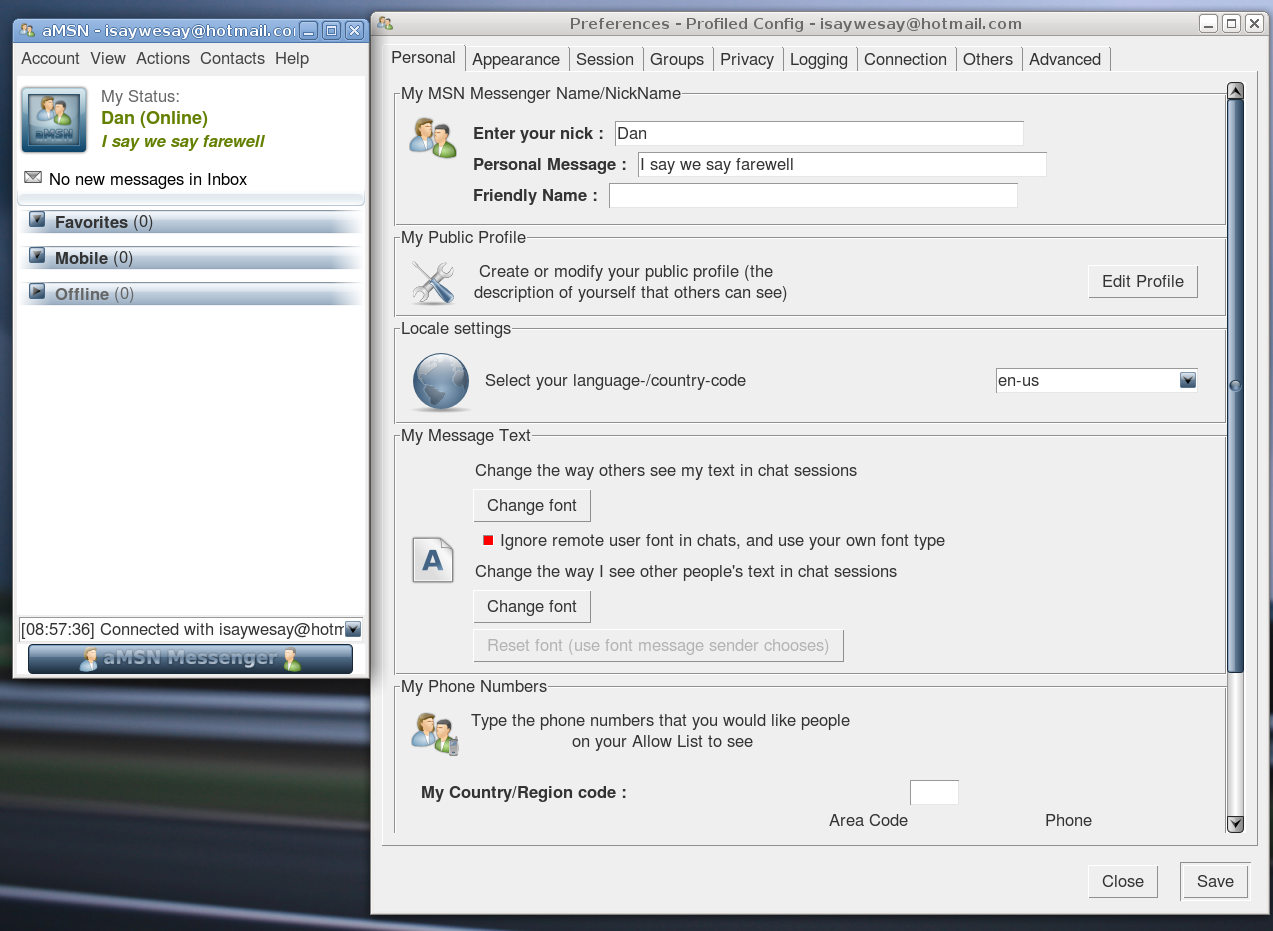
aMSN is a powerful, highly configurable and feature-rich client for the WLM (formerly known as MSN) protocol with support for skins, plugins, system tray integration, webcam, tabbed chat windows, multi-accounts, offline messaging, chat history, display picture and many, many more. The configuration options are abundant via the Account->Preferences menu.
Read more…

6 Linux Burning Applications – Overview & Screenshots
By Craciun Dan | December 25, 2010 -- 6:43 AM | 11 Comments

K3b
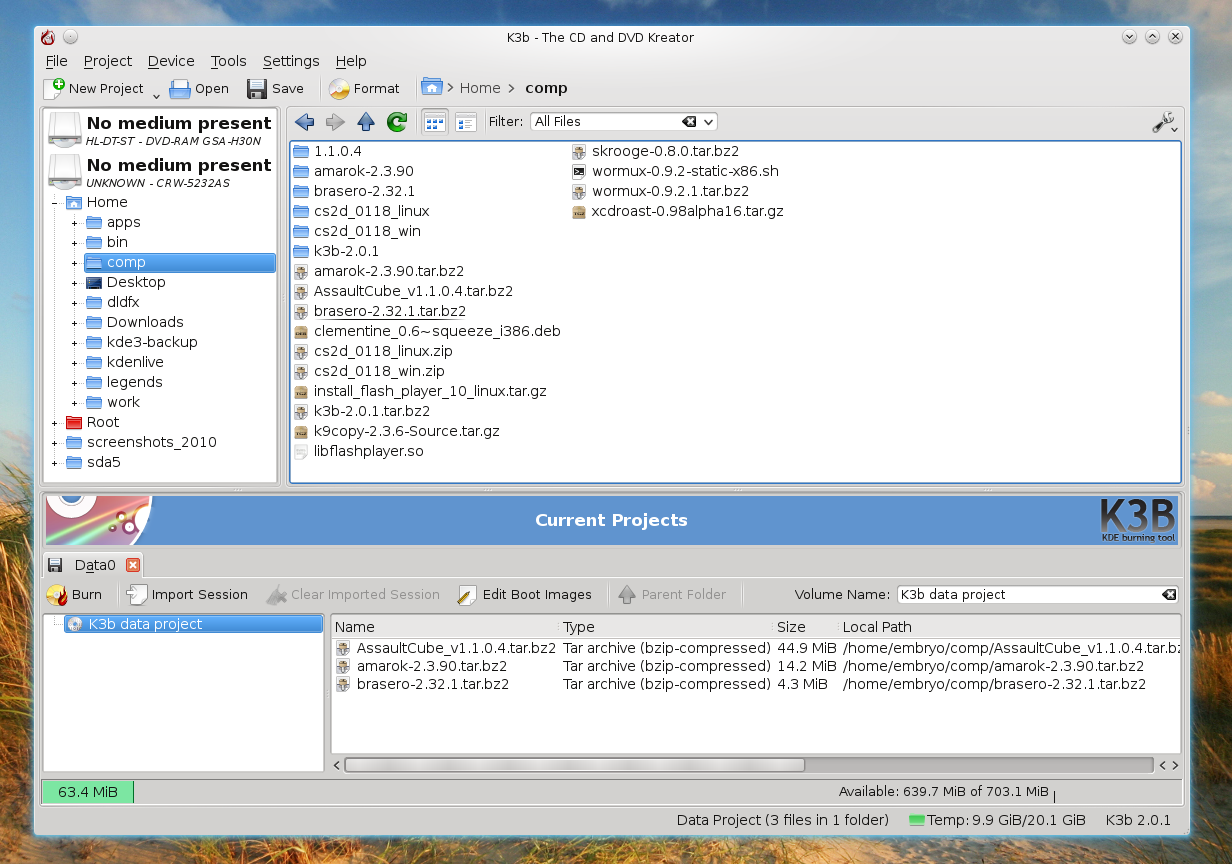
K3b is a powerful, feature-complete burning application for KDE 4 which comes with support for burning CDs, DVDs, ISO images, Blu-ray discs, audio CDs, creating ISO images. K3b supports multisession mode, features on-screen display, sound notifications, it can copy from one device to another, allows to rip audio CDs using the transcode utility, rip Video CDs or DVDs or create eMoviX projects.
Homepage

Read more…

8 More Bash Tips for Working Faster With the Shell (Part 2 of 2)
By Craciun Dan | December 23, 2010 -- 6:45 AM | 5 Comments

This is the second article in this series, and brings eight additional tips for working faster with the shell. Here is the first article of the series, containing 10 tips.

Create aliases for quick access to commands or one-liners

Aliases are handy custom commands which can be used to make shortcuts to various commands, scripts or one-liners. Aliases can be added in the ~/.bashrc file like this:

alias name='command'

Read more…

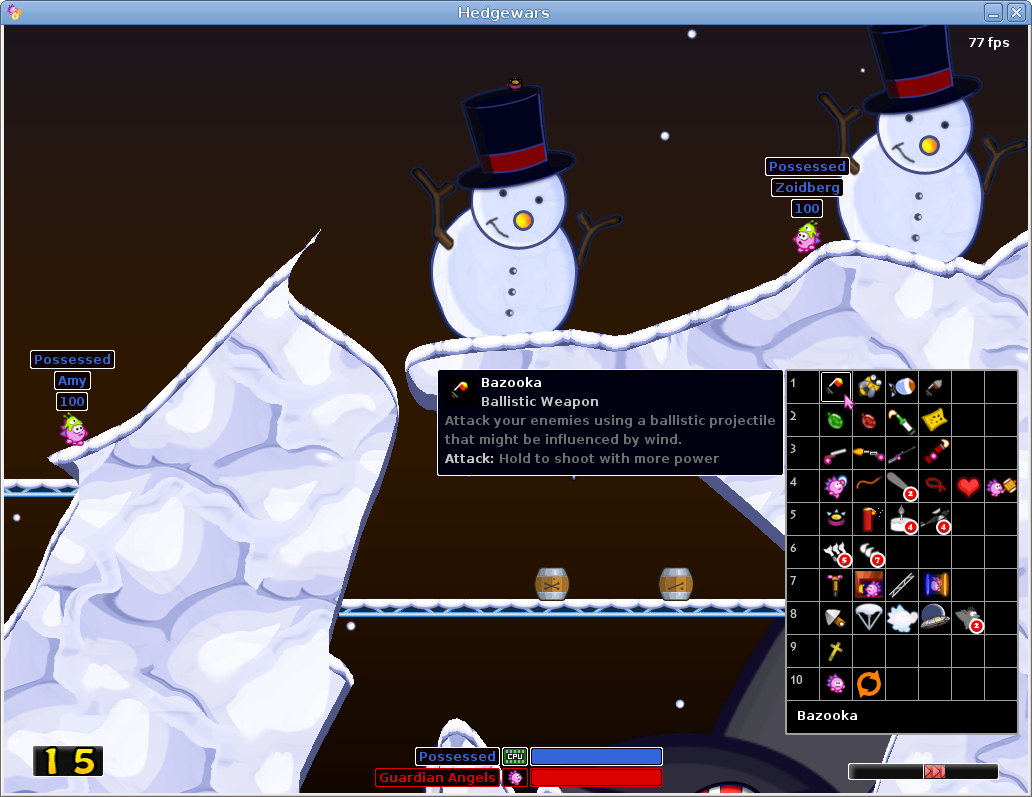
Hedgewars – Awesome Open-Source Worms-Like Game for Linux
By Craciun Dan | December 22, 2010 -- 8:49 AM | No Comments

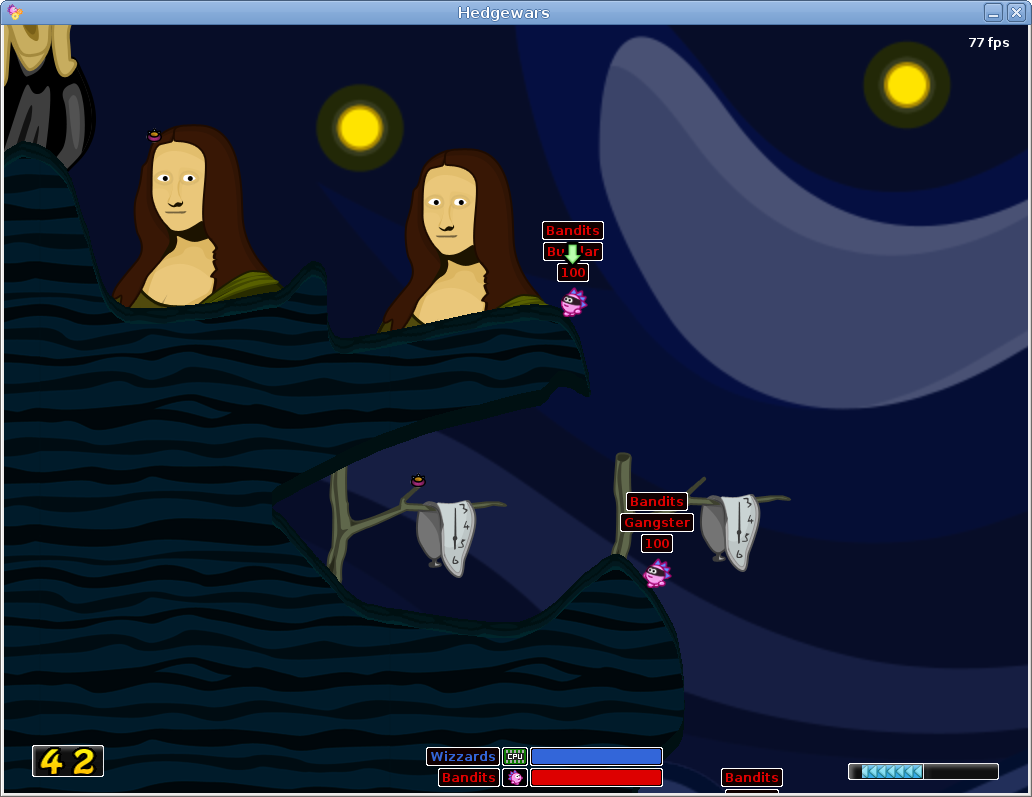
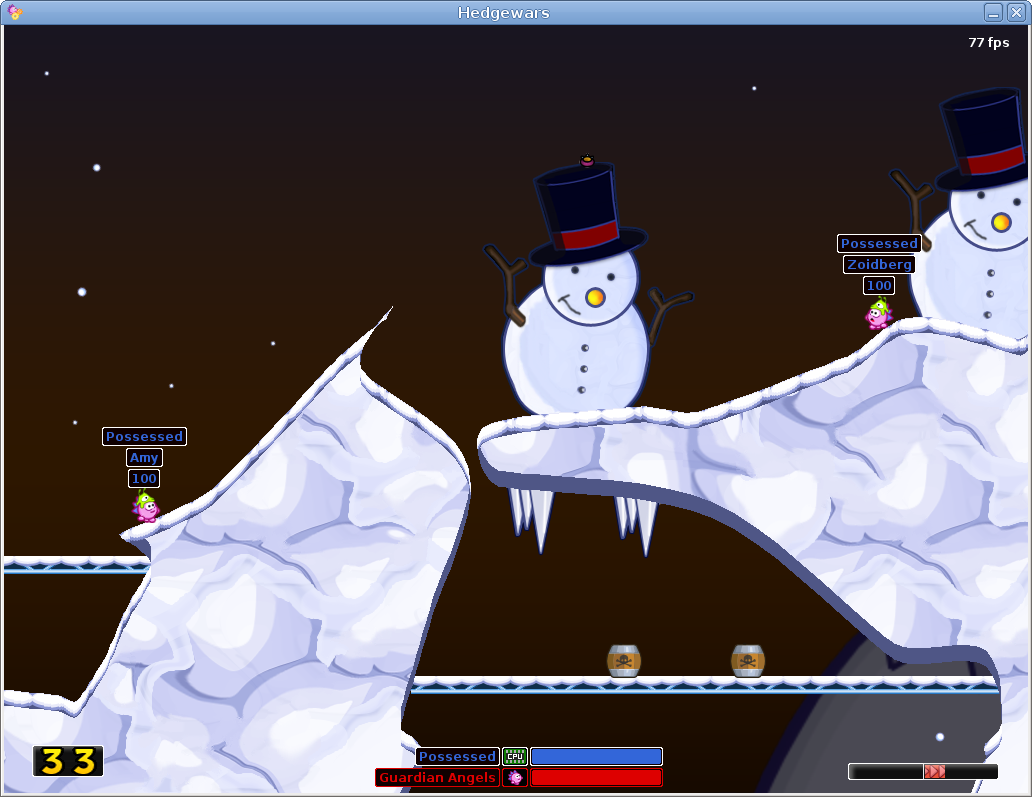
A few days ago I reviewd WarMUX, a free and open-source Worms-like game for Linux. Today I’ll take a look to Hedgewars, another free Worms clone with funny characters, good playability and support for online multiplayer.


Read more…

20 Popular Command-Line Tips for Linux
By Craciun Dan | December 21, 2010 -- 9:50 AM | 4 Comments
Take a screenshot in command-line

Taking a screenshot in command-line is very easy using the import tool, which is included in the ImageMagick suite. To take a screenshot of a single window use:

To take a screenshot of a single window and include window decorations, use:

Read more…

Second Free PDF Guide Is Here!
By Craciun Dan | December 20, 2010 -- 3:28 PM | 4 Comments

TuxArena is proud to announce the second free PDF giveaway: Command-Line Guide to Audio Files in Ubuntu. You can read it online here or download the PDF from here.

The guide explains the basics of manipulating audio files in command-line mode, as well as converting to and from various audio formats, with an accent on the free formats FLAC and Ogg Vorbis. Here are the topics covered:

Read more…

10 Bash Tips for Working Faster With the Shell (Part 1 of 2)
By Craciun Dan | December 20, 2010 -- 7:29 AM | 9 Comments

Using !!
This command is used to bring back and automatically execute the last command in history. It is the same as pressing C^P followed by Enter). Here’s an example:

Read more…

TuxArena Free PDF Guide! Introduction to Linux Command-Line for Beginners
By Craciun Dan | December 19, 2010 -- 6:42 PM | 2 Comments

The first TuxArena PDF ebook “Introduction to Linux Command-Line for Beginners” is now available completely free as a Christmas gift! You can read it online here or download the PDF version.

The guide covers the following topics:

Read more…

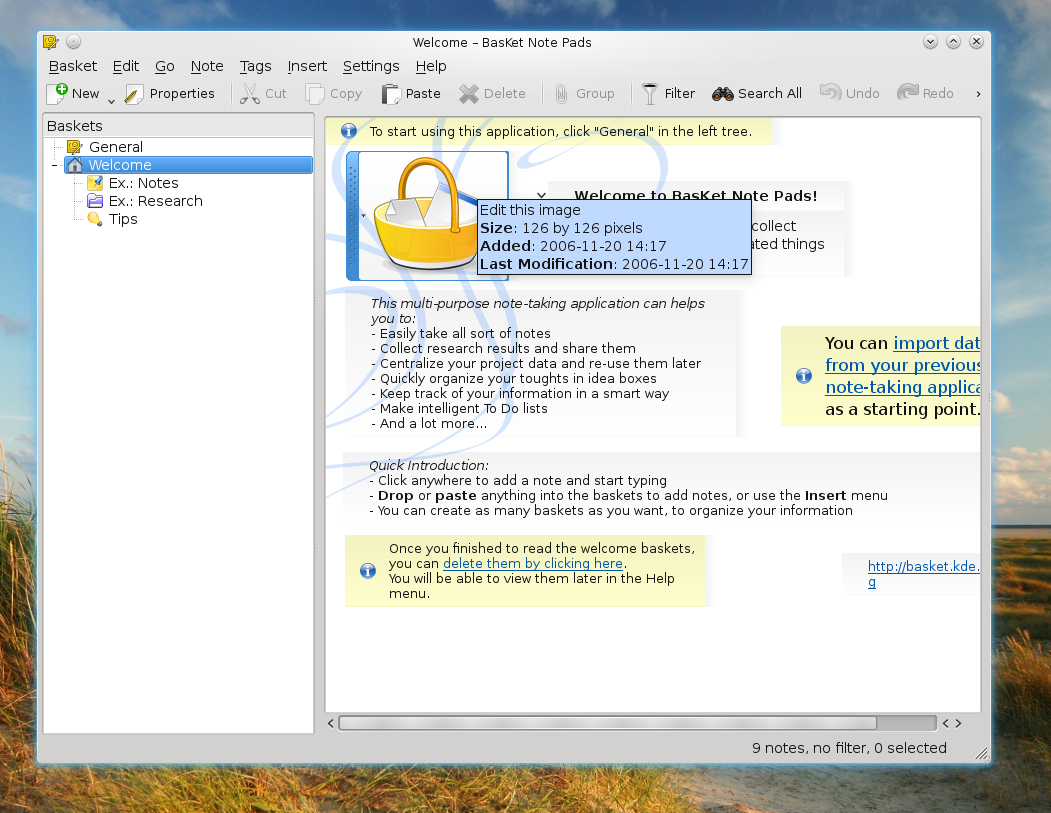
5 Linux Notes-Taking Applications
By Craciun Dan | December 18, 2010 -- 4:29 AM | 12 Comments

Tomboy

Tomboy is a feature-rich notes application for GNOME with support for spell-checking, links, font style and size, bullet lists, global shortcuts, and plugins. Tomboy will also let you search notes and export them to HTML. The plugins (called add-ins in Tomboy) include exporting to HTML, backlinks to see what other notes link to the current note, Evolution Mail integration, printing support, local directory synchronization.

Homepage

Read more…

Quick Look at Firefox 4 Beta – New Features With Screenshots
By Craciun Dan | December 17, 2010 -- 9:11 AM | 3 Comments

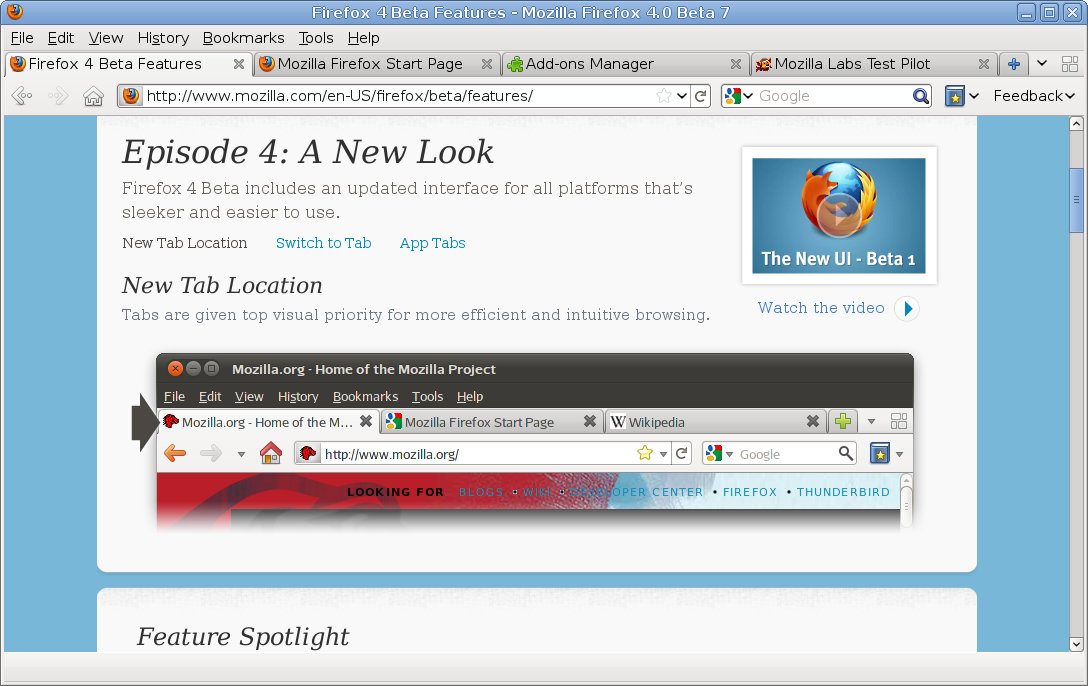
Firefox 4 is knocking at the door and the latest beta release looks just awesome. The seventh beta release introduces several important changes, including a revamped user interface (with the tab location above the address bar and navigation buttons), tab grouping, improved bookmarking system, re-open recently closed windows, built-in synchronizing system, rendering engine improvements, and more. This article contains a screenshot gallery with all the main features and changes brought until now by Firefox 4.

Read more…

Opera 11 Is Here – Overview & Screenshots
By Craciun Dan | December 16, 2010 -- 4:53 PM | 2 Comments

Opera 11 was released just a few hours earlier today, and it comes with several notable features, a new interface, and many other improvements. Written using the Qt toolkit and taking advantage of its own Presto engine, the Opera browser has been around for years, and it comes with unique features, which make it a popular browser even among the free software users on the Linux platform, with a respectable third position after Firefox and Google Chrome.

Opera 11 first start

Read more…

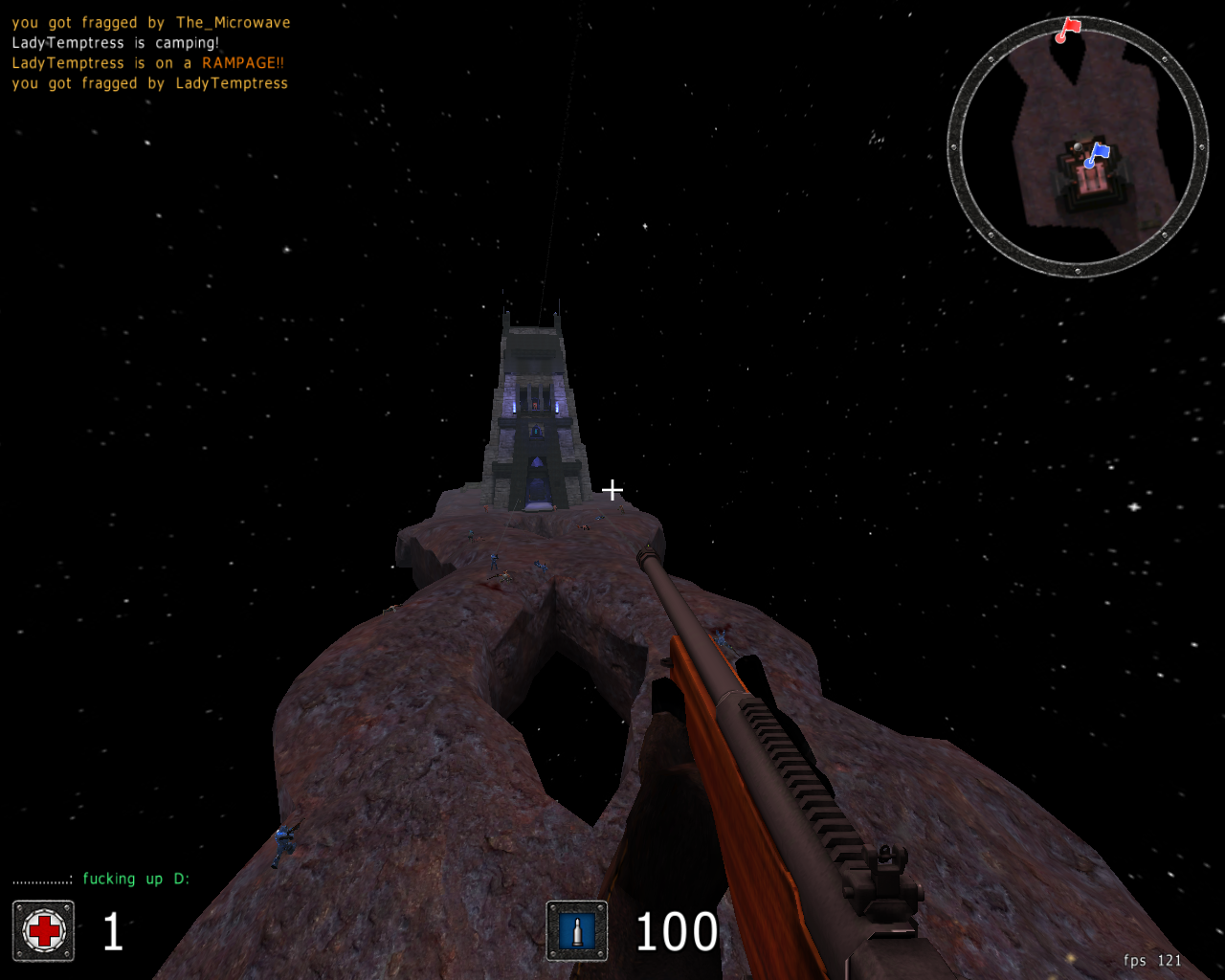
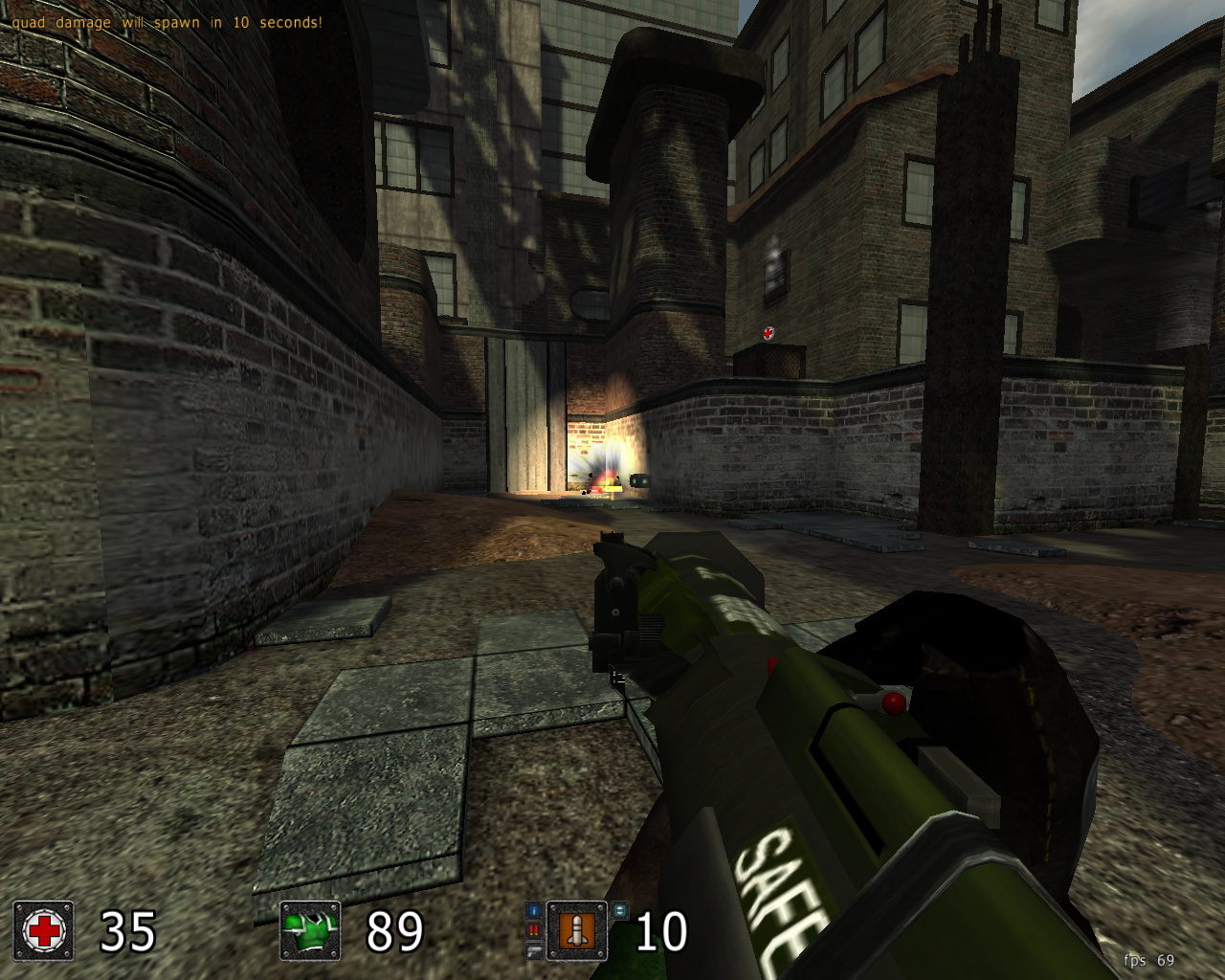
Fast & Entertaining: Cube 2: Sauerbraten Overview
By Craciun Dan | December 16, 2010 -- 1:24 PM | No Comments

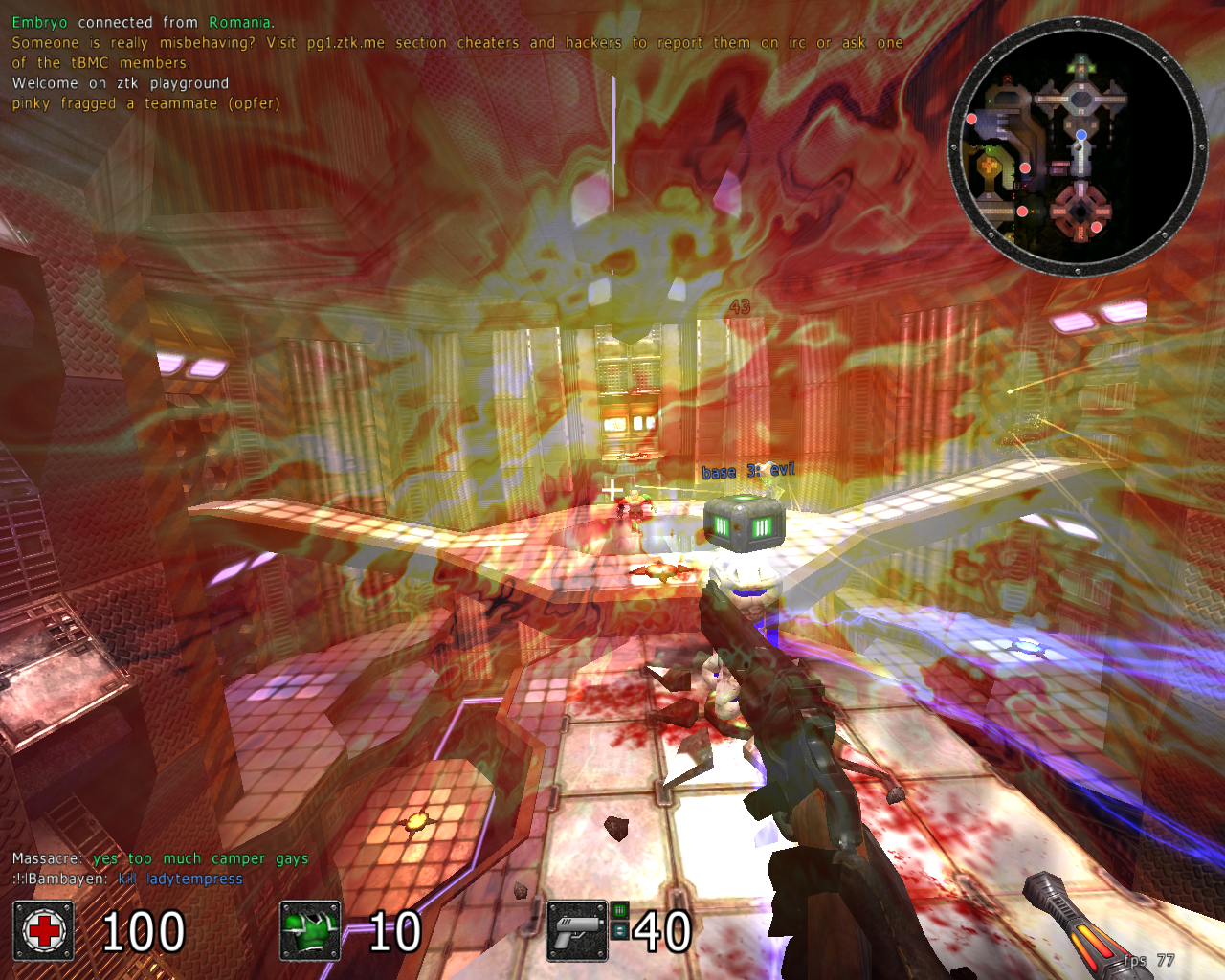
Yesterday I reviewed AssaultCube, a realistic shooter game based upon the Cube engine, so today it’s time to have a look at Sauerbraten, another game in the series of games based on this engine. The version which I’m going to talk about is the latest available at the moment, “Justice Edition”.

Read more…

WarMUX – Free Clone of Worms for Linux
By Craciun Dan | December 16, 2010 -- 8:55 AM | 1 Comment

Previously known as Wormux, WarMUX is a free, open-source clone of the popular game Worms, with completely new, free-licensed graphics and music/sounds, available for Linux, Windows and Mac. Starting with version 0.9.0, WarMUX introduced single player games versus AI too. The available game modes are single player (vs AI) and multiplayer on the online server, as well as hotseat games.

Suicidal thoughts put in practice

Read more…