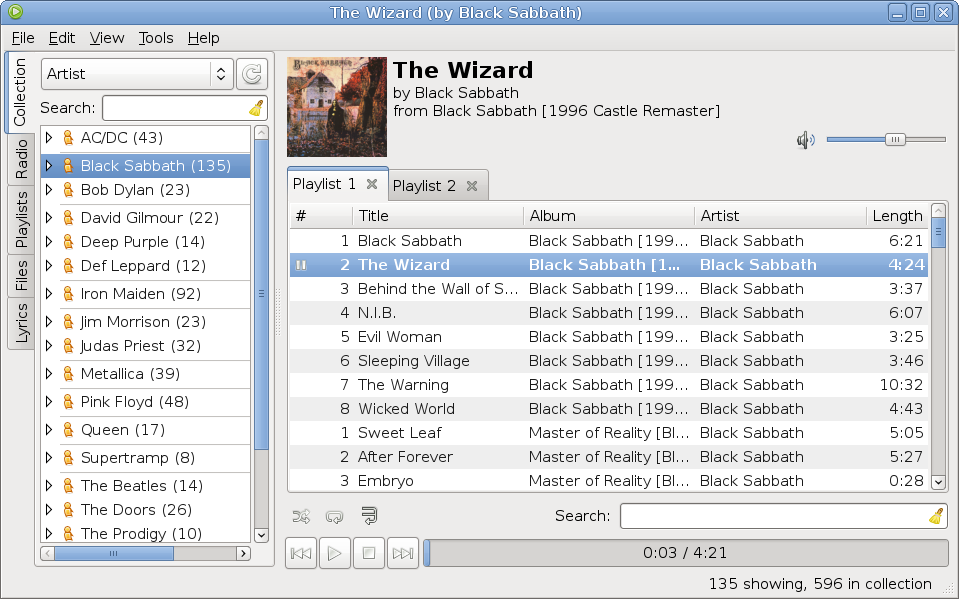
Exaile is a pretty decent music player for GNOME written in PyGTK which comes with features like tabbed playlists, lyrics fetching, radio support, file browser, support for dynamic and smart playlists, cover support, 10-band equalizer and more. The latest version was released a few days ago and comes with several bug fixes and minor issue fixes.
Exaile 0.3.2.1 running in Debian Squeeze

This article is divided into three parts:
- Exaile Overview & Screenshots
- How to Install Exaile in Ubuntu 10.10 Maverick Meerkat
- How to Install Exaile in Debian 6.0 Squeeze
Exaile has been around for quite some time and it continued to improve over the years, keeping in the same time a clean, tidy interface with the sidebar to the left, for fast access to the file browser, playlists or music collection, and the playlist space occupying the rest of the window. A nice feature is the support for tabbed playlists, which allows quick access to several different ones. Let me list some of the notable features which come with Exaile 0.3.2.1:
- music collection support
- support for tabbed playlists
- dynamic and smart playlists
- devices support
- covers fetching
- lyrics fetching
- Internet radio support
- file browser
- sortable playlists by many factors (see the View->Columns menu)
- 10-band equalizer
- track queue
- on-screen display (OSD)
- ReplayGain
- crossfading
- tray icon integration
- tag editor
- ratings system
- large number of bundled plugins
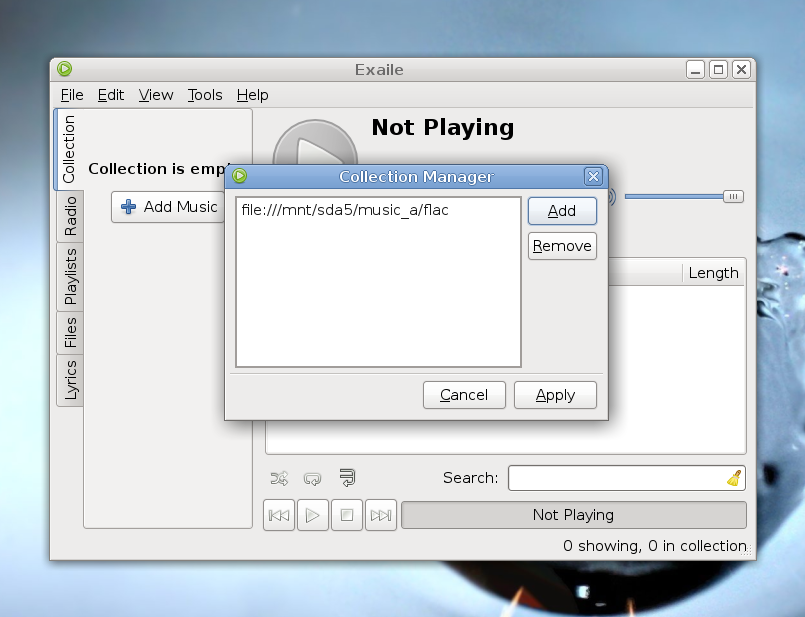
Adding files to the music collection
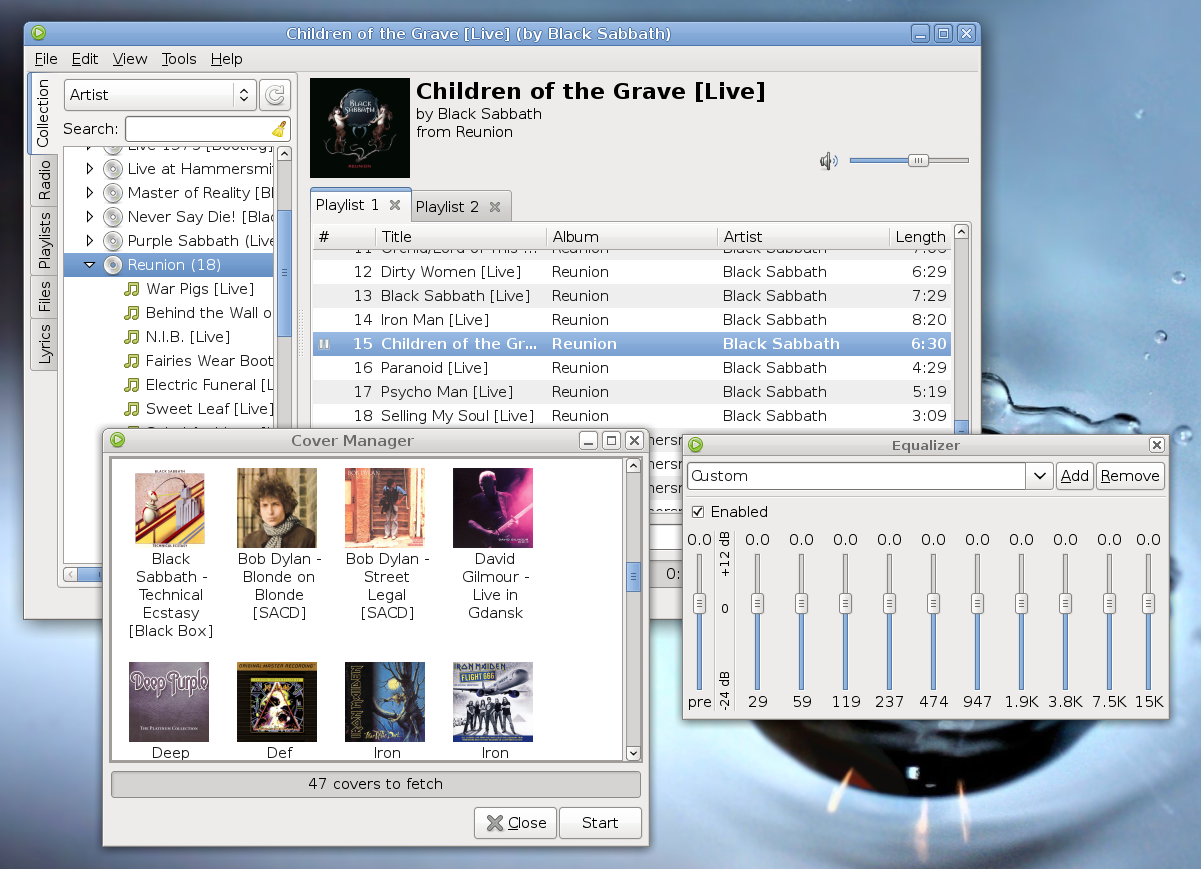
Equalizer, cover manager, collection manager and tabbed playlists
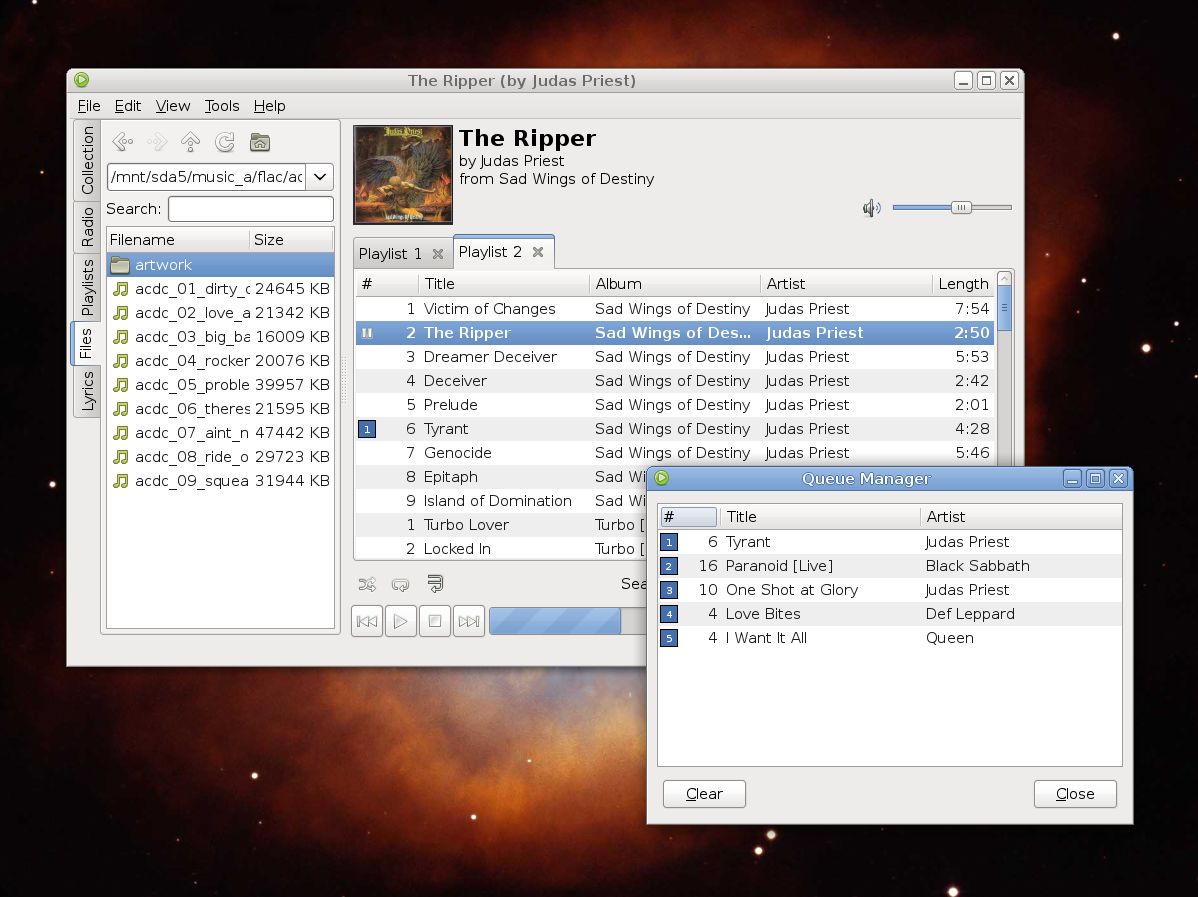
File browser and queue manager
You can install the latest Exaile using the Launchpad PPA. In Maverick, open a terminal and issue the following commands:
sudo add-apt-repository ppa:exaile-devel/ppa
sudo apt-get update
sudo apt-get install exaile
That’s it. Run Exaile by pressing Alt+F2 and typing exaile in the run box that appears.
By default, Debian Squeeze comes with version 0.2.14, so in order to Install the latest release you have two options. Either download the tarball from here (direct link here), uncompress it and then issue the make && make install command or just run the binary executable found in the archive.
To install it, follow the steps below:
1. Install the needed dependencies
Open a terminal and type as root:
apt-get update
apt-get build-dep exaile
apt-get install python-mutagen
2. Download the source tarball
Grab the source tarball from here (direct link here) then open a terminal, make sure the current working directory is the one where you saved the tarball, and extract it:
tar -xzf exaile-0.3.2.1.tar.gz
3. Install Exaile
Change the working directory to exaile-0.3.2.1 and issue the following commands:
make
make install
The last one as root. This should be all, run Exaile by typing exaile in a console or pressing Alt+F2 and typing exaile in the run box.
 max says:
 How to install foobnix player in Debian?
 ElderGeek says:
 Exaile also has support for DAAP, both client and server. I have had problems with Exaile crashing when working with remote daap shares in Maverick but not in Lucid. For now I have been using the ppa version from Lucid with Maverick AND have even installed it on my debian box, since the debian version as the same issues.
 Harakiri says:
 Exaile still doesn’t support Id-Tags for Musepack Audiofiles. I posted it on their wall and it was confirmed around a year ago.