





Gnac is a graphical audio converter for GNOME with support for encoding/decoding to and from various formats, including the free formats FLAC and Ogg, WAV, MP3, M4A or SPX.
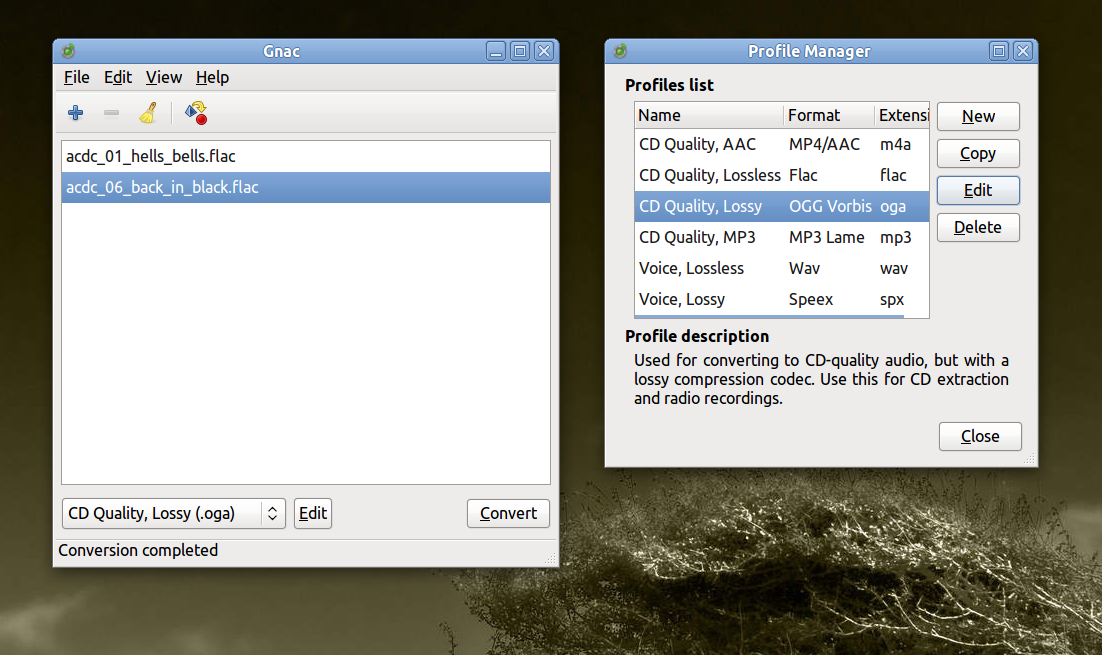
Gnac is a GUI frontend to various audio converters, with a very minimalist and clear interface. It allows to edit the tags, change the path and filenames of the output files, and use custom parameters for audio encoding. For example, the Ogg Vorbis format profile
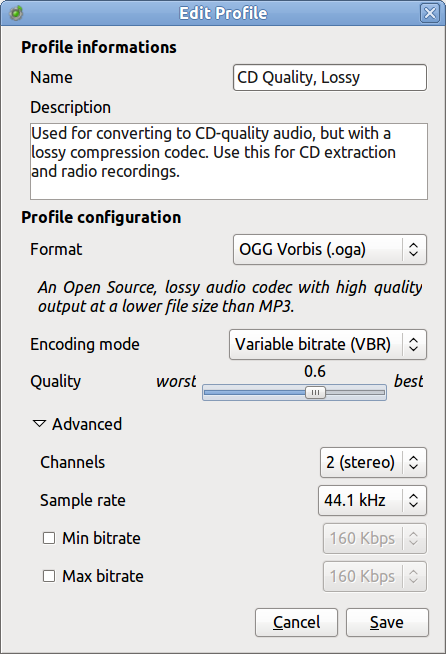
can be configured to use variable or constant encoding bitrate, change the quality settings on a scale of -0.1 to 1.0 (~ 45 kbps up to ~ 500 kbps), use mono or stereo audio channels, or set a minimum and maximum bitrate.
The Ogg profile settings
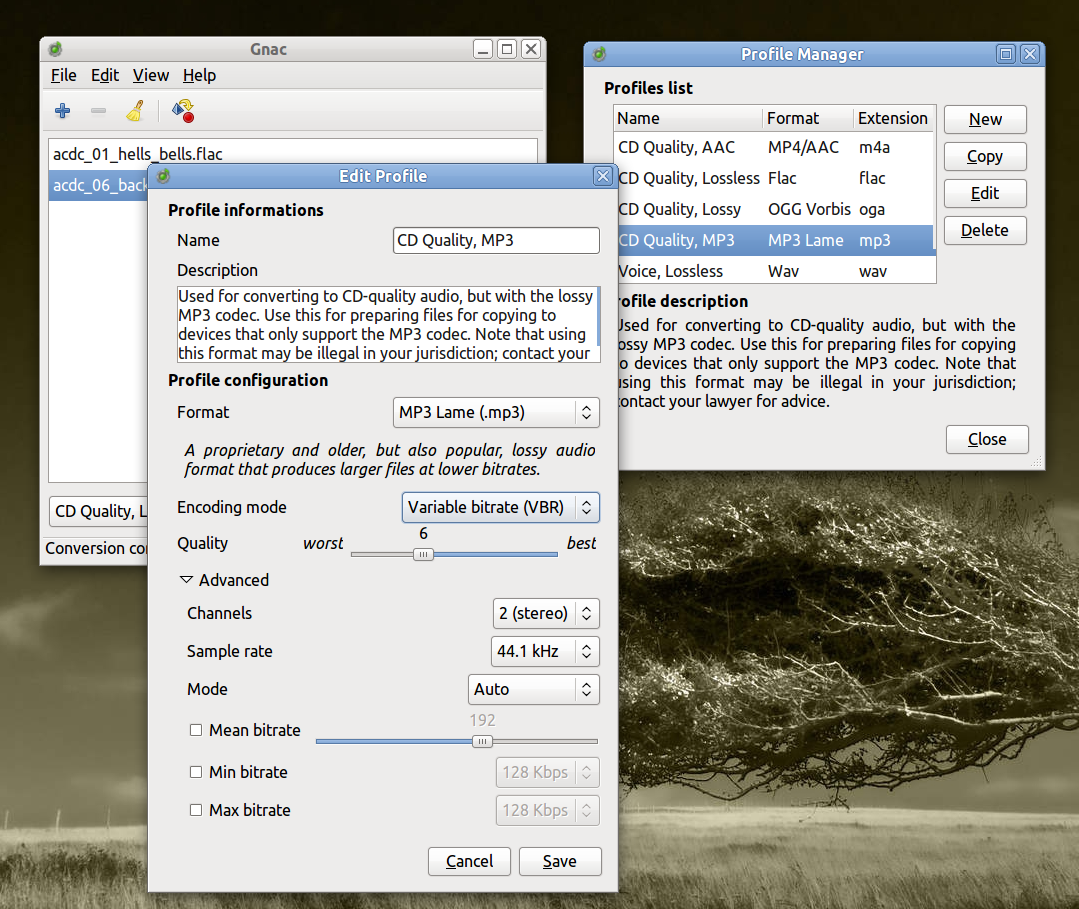
The MP3 profile settings
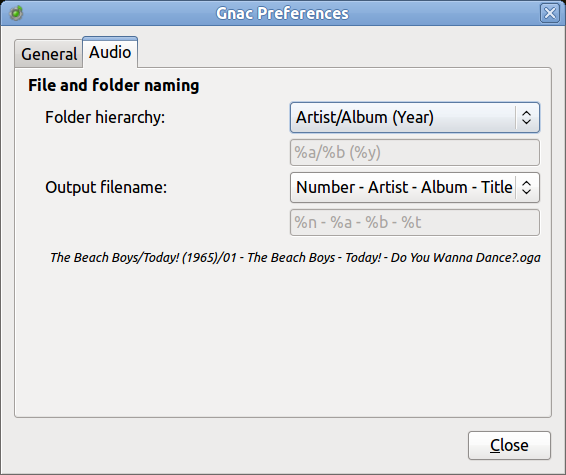
The Preferences window will let you enable or disable a conversion notification icon, set custom output folder, strip special characters, or delete original files after the conversion. Here you can also customize the folder hierarchy and the information to be included in the output filenames (e.g. %n_%a _%b_%t for Number_Artist_Album_Title).
Ubuntu Installation
To install it in Ubuntu from the official Launchpad PPA, run the following commands in a terminal:
sudo add-apt-repository ppa:gnac-team/ppa
sudo apt-get update
sudo apt-get install gnac
To start it type gnac in a terminal or press Alt+F2 and type gnac in the run box that appears.
