
Ubuntu/Debian/Mint news and tutorials | Linux stuff
feed.png
Quick Tip #1
Disable Overlay Scrollbars in GNOME
For Ubuntu 12.10, open a terminal and type the following command:
gsettings set com.canonical.desktop.interface scrollbar-mode normal
Changes should occur instantly. The overlay scrollbars should now be replaced with normal scrollbars.

For Ubuntu 12.04, use the following command:
gsettings set org.gnome.desktop.interface ubuntu-overlay-scrollbars false
Log out and log back in for changes to occur.
Quick Tip #2
Mount an ISO Image from Command-Line
sudo mount -o loop /path/to/image.iso /path/to/empty/dir
Notice that /path/to/empty/dir must exist and should be empty.
Quick Tip #3
Find Out Current GNOME Version
For GNOME:
gnome-shell --version
For the Compiz window manager, use:
compiz --version

Introduction
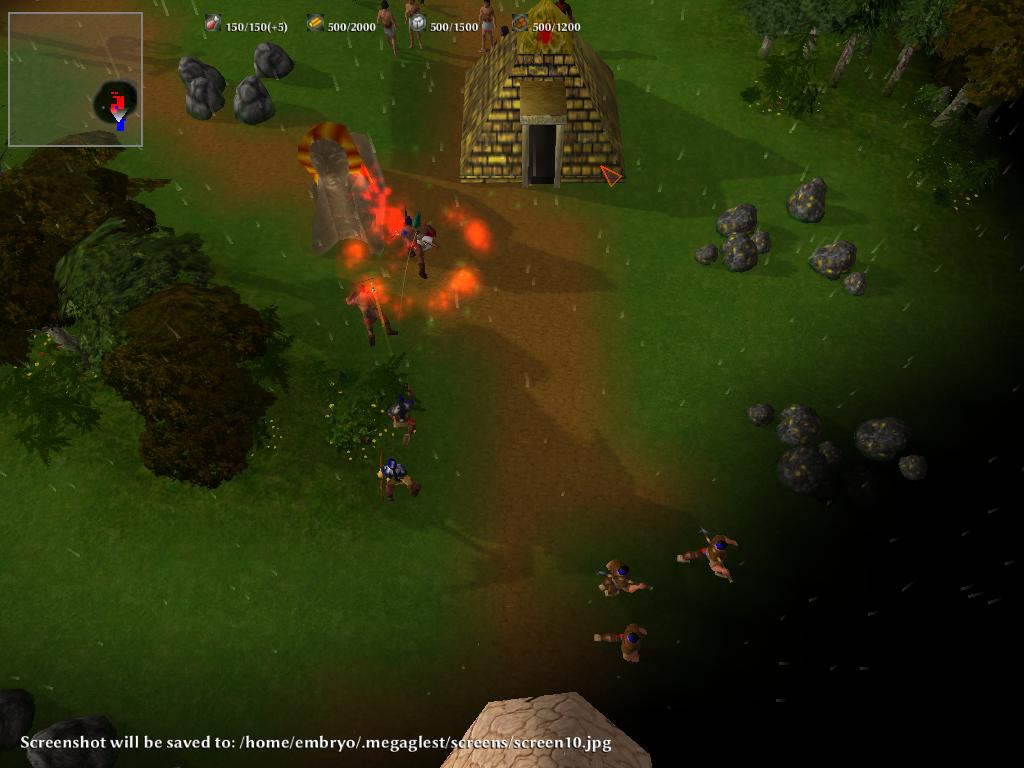
Although this is a well known issue and has been said countless times before, I’ll say it again: games are not the strong point on Linux. Still, there are several very good projects out there, but the choices are pretty limited. The same is the situation in the case of real-time strategy games. There is a lot of fuss around projects like 0 AD or Oil Rush, a promising, yet closed-source RTS game. However, even though these get more attention lately, let’s not forget the other good choices out there, and one of them is the game I’m going to talk about in this article, namely, MegaGlest, and more exactly about the latest version released by the team behind it, which was put up yesterday.
Full article

The older way of doing this, with gconftool-2 doesn’t seem to work anymore in GNOME 3 – used to be something like: gconftool-2 –type string –set /desktop/gnome/background/picture_filename “/full/path/to/file.png”.

However, there is still possible to change the background image, by using the gsettings tool instead. You will need the libglib2.0-bin package, which is probably already installed on your system. To change the background, use a command like the following:

Full article

The file used to change various GRUB 2 settings is /etc/default/grub. This file also contains options to adjust the timeout in seconds before GRUB boots the default OS (GRUB_TIMEOUT), change which OS should be selected by default (GRUB_DEFAULT, first entry being 0), and also the option to change the resolution used by default – GRUB_GFXMODE.

Full article

CMus
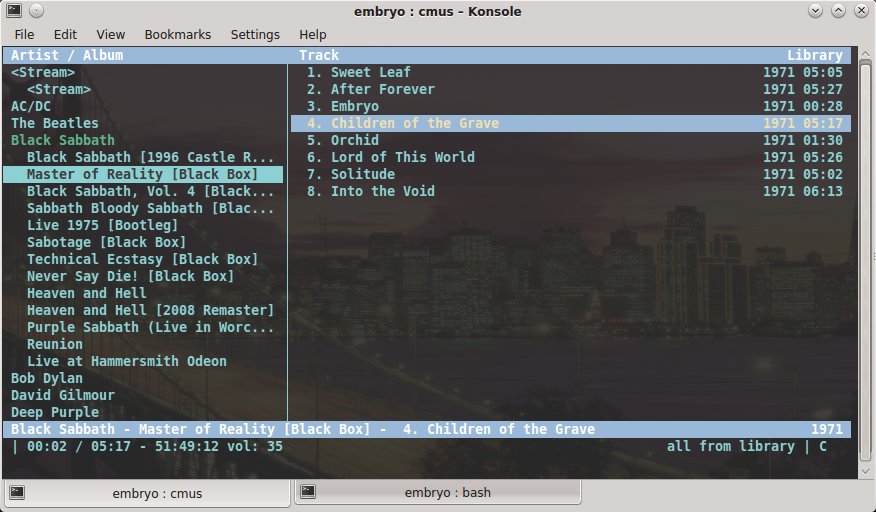
This is one of the best, feature-rich players for console. Build using ncurses and thus offering a text user interface, CMus has several view modes, organizes your music by artist/album, provides playlists and a library view, a filebrowser, it allows searching, Last.fm/Libre.fm scrobbling via this script, and it uses Vi-like keyboard shortcuts. A complete review can be found here and a guide to using it here.
Homepage

CMus is a powerful, feature-rich music player for the terminal which uses the ncurses library

Full article

Battle for Wesnoth
Battle for Wesnoth, or BfW for short, is a popular turn-based strategy game which takes place in a fantasy universe and has support for singleplayer and multiplayer, official campaigns (and more available to download), hotseat games. The game comes by default with 6 factions and takes place over hexagons, each player deploying his army and trying to kill his opponent. Wesnoth can be highly modded via WML (Wesnoth Markup Language), and the add-ons server includes many more maps, factions, eras and campaigns. Beside for the usual mode which allows up to 9 players to battle against each other or forming teams, there are also the rumble maps (very small maps), or the survival ones, or the multiplayer campaigns or role playing maps. There is also an unofficial ladder available. Wesnoth is really an awesome, complete game, with a great community, great online playing, music themes, map editor, a great helping system, and much, much more.

Full article

Sponsors
Advertise on TuxArena
Online Readers