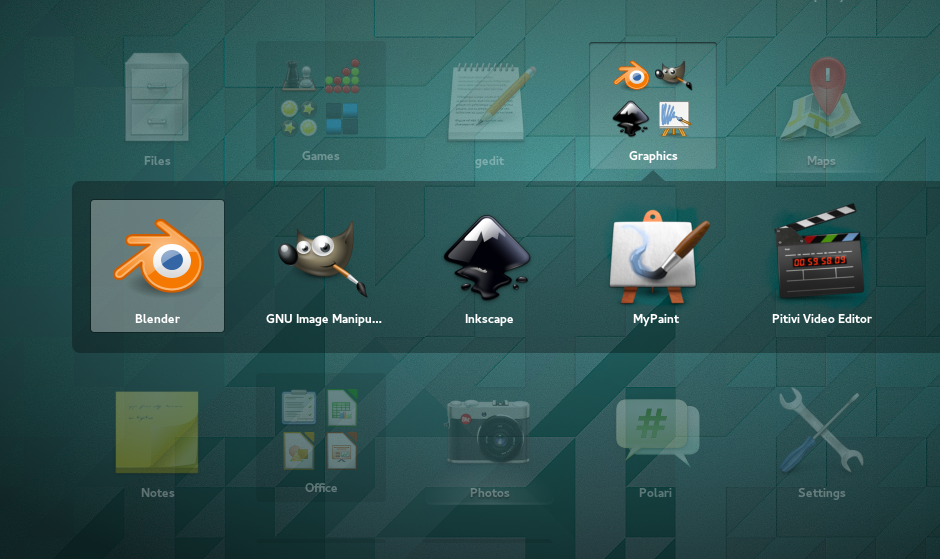
Following the overview of KDE IRC clients, here is a brief overview of several counterparts for GNOME, which will blend well in Xfce or Unity as well.
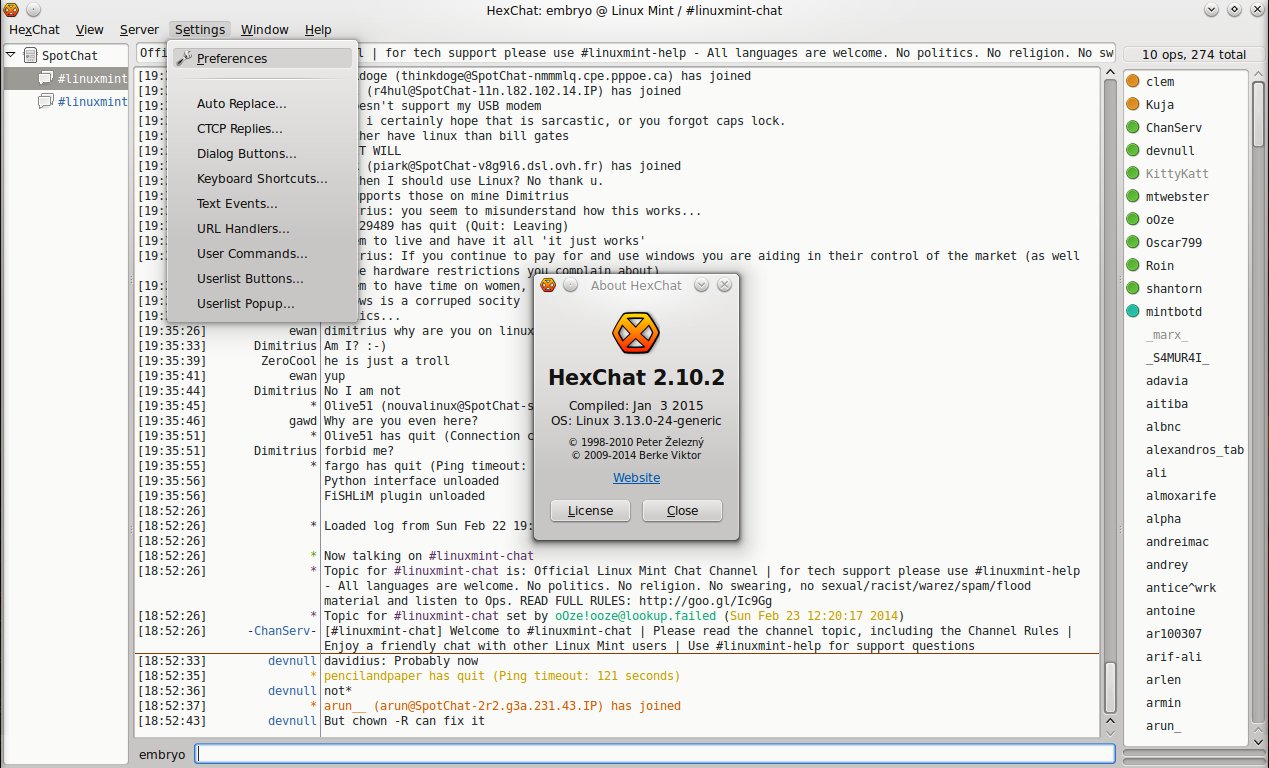

Following the overview of KDE IRC clients, here is a brief overview of several counterparts for GNOME, which will blend well in Xfce or Unity as well.
Earlier today GNOME 3.12 has been released, bringing major new features, several redesigned programs and three new applications: Logs, Sound Recorder and Polari.
Gmusicbrowser is a music player and audio collection manager for GNOME written in Perl and GTK2, built to handle large collections, highly configurable, with integrated music library, plugin support, many view modes, lyrics and Wikipedia info integration, as well as equalizer.
The latest version was released on February 15, 2014, and added several fixes for the playlist, the interface, and the export plugin.
Each Linux Mint release usually offers four flavors, to say nothing about LMDE: Mint Cinnamon, Mint MATE, Mint KDE and Mint Xfce. The MATE edition is based around a desktop environment forked from GNOME 2, featuring a similar interface and a familiar user interaction experience. MATE started as a need of some users to have the classic GNOME 2.x interface once GNOME 3 was released with huge interface changes. MATE does offer a classic, solid and familiar interface, and it also provides a compositing window manager for graphical effects and transparency.
The older way of doing this, with gconftool-2 doesn’t seem to work anymore in GNOME 3 – used to be something like: gconftool-2 –type string –set /desktop/gnome/background/picture_filename “/full/path/to/file.png”.
However, there is still possible to change the background image, by using the gsettings tool instead. You will need the libglib2.0-bin package, which is probably already installed on your system. To change the background, use a command like the following:
The Alt+F2 keyboard shortcut, used to bring up the run launcher in GNOME, is disabled by default in GNOME 3. To have it back, follow these steps:
1. Start up System Settings – click on your username in the top panel and then click on System Settings entry in the menu that appears:
After the overview of 20 best KDE applications, it’s time to have a look at what GNOME has to offer, right? This article overviews 20 of the GNOME applications which are, in my opinion, the best in their category. Only a single application from each category is included, and screenshots are attached. The list is put up in no particular order and at the end of the article I put noteworthy alternatives for each category (only GTK alternative applications).