


ColorCode is a Mastermind game implementation for KDE and the latest version, 0.8.5, has been modified to use Qt5.
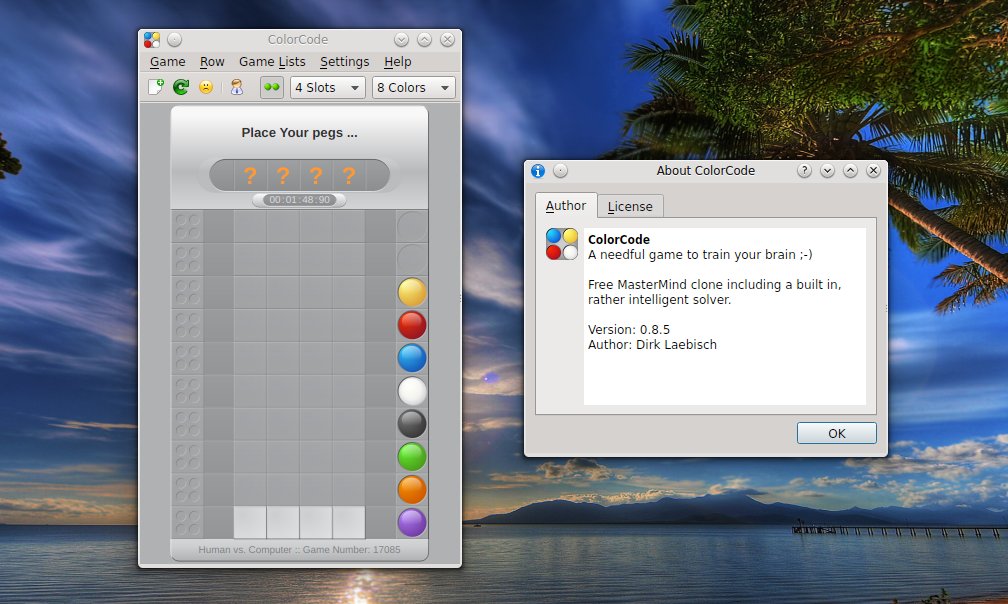

ColorCode is a Mastermind game implementation for KDE and the latest version, 0.8.5, has been modified to use Qt5.
Internet Relay Chat has a history of over 25 years and it is still a widely used text-based protocol for chatting. In the Linux world, each distribution and major project has a chatting room, usually on Freenode, and here you can get online help, participate in collaborative projects, or just have a look at the latest discussions regarding the development of some project or application.
There are plenty of IRC clients out there for Linux, including console-based ones like the powerful Irssi, graphical ones like XChat, HexChat or the ones embedded in instant messaging clients. There are also web-based ones or clients available as add-ons for browsers, for example the ChatZilla add-on for Firefox.
In the following article I will briefly discuss about three clients for the KDE environment, leaving the others for a future article. All three of them come with features such as tabs, DCC, multiple networks or SSL.
Since the introduction of Plasma widgets in KDE4, the whole desktop took a new direction, starting to become a more interactive way to communicate with the user, to say nothing about the fact that a desktop with widgets will look more beautiful than a plain, icon-only desktop.
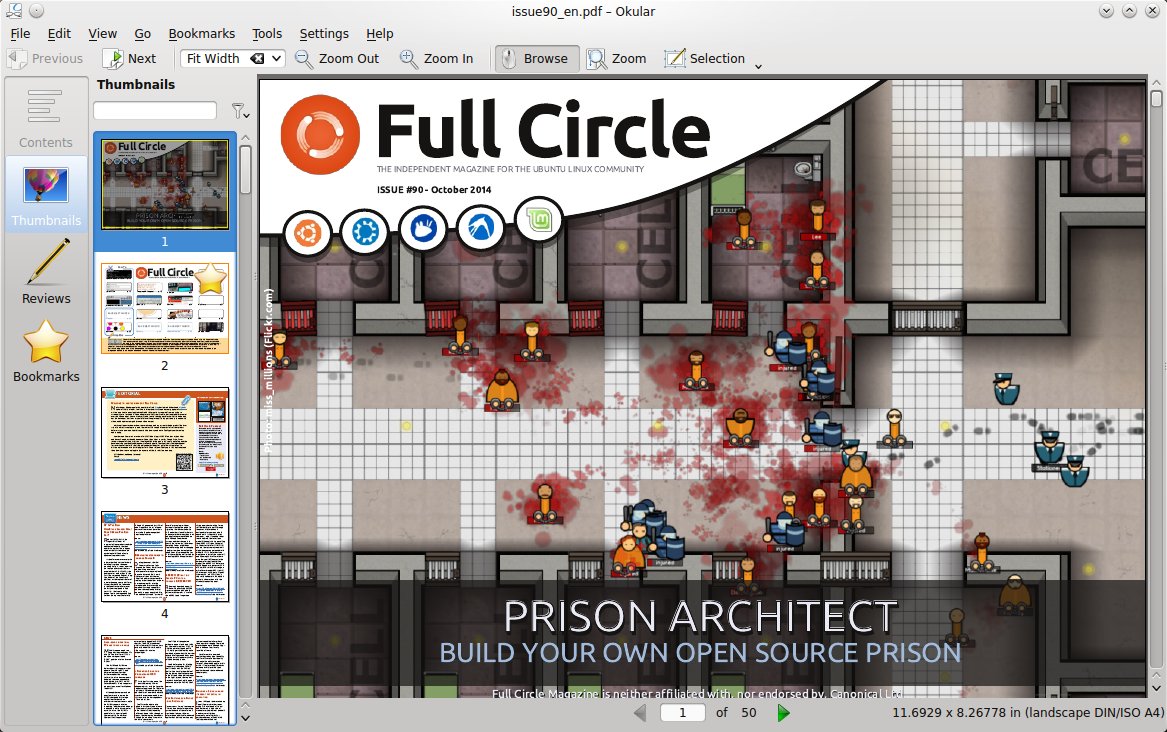
Okular is the KDE document viewer with support for a wide range of formats, different view modes and various viewing and selection tools. Okular can be used to open basically any type of document, from PDFs to mobile formats, text or CHM files.
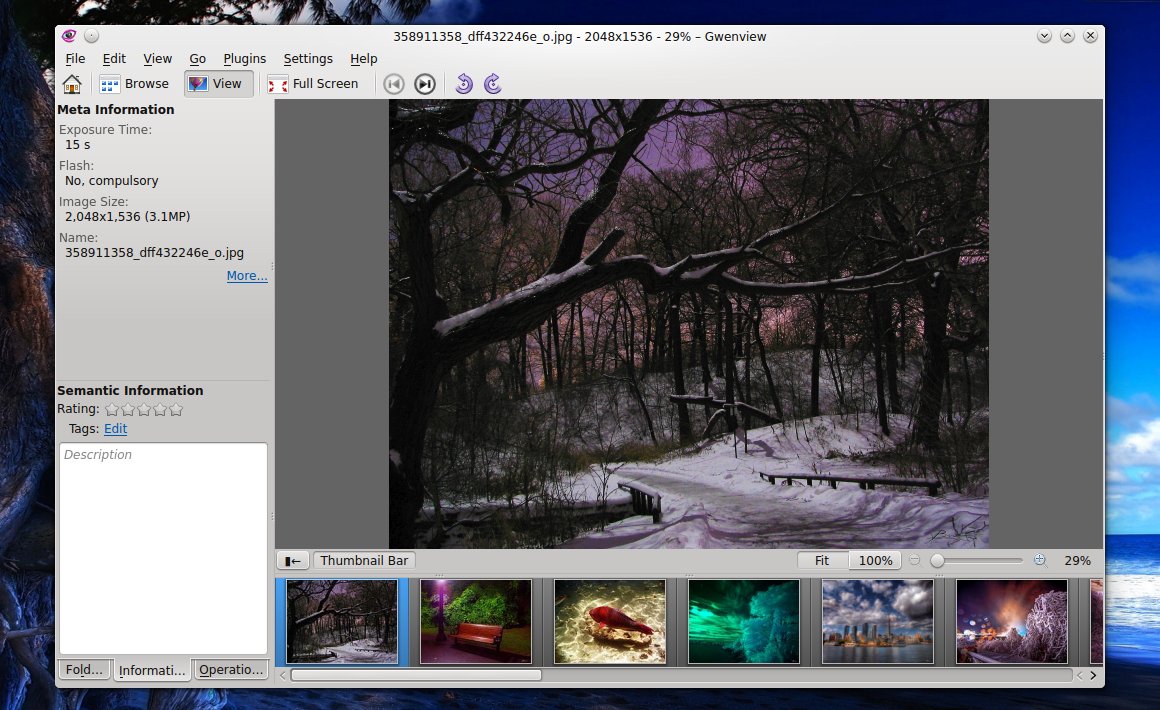
Although there are many image viewers for Linux, most of them are GTK-based and KDE is left behind with not so many options. Of course, there are applications like Krita or Kolourpaint, but these are image editors, not just simple viewers. Gwenview is the default image viewer in KDE, and it does its job very well. Not only it has enough features to accommodate the more demanding users (like ratings, file browser or thumbnail view), but its functionality can be extended using the KIPI plugins, a KDE set of image plugins used by applications like DigiKam as well, besides Gwenview.
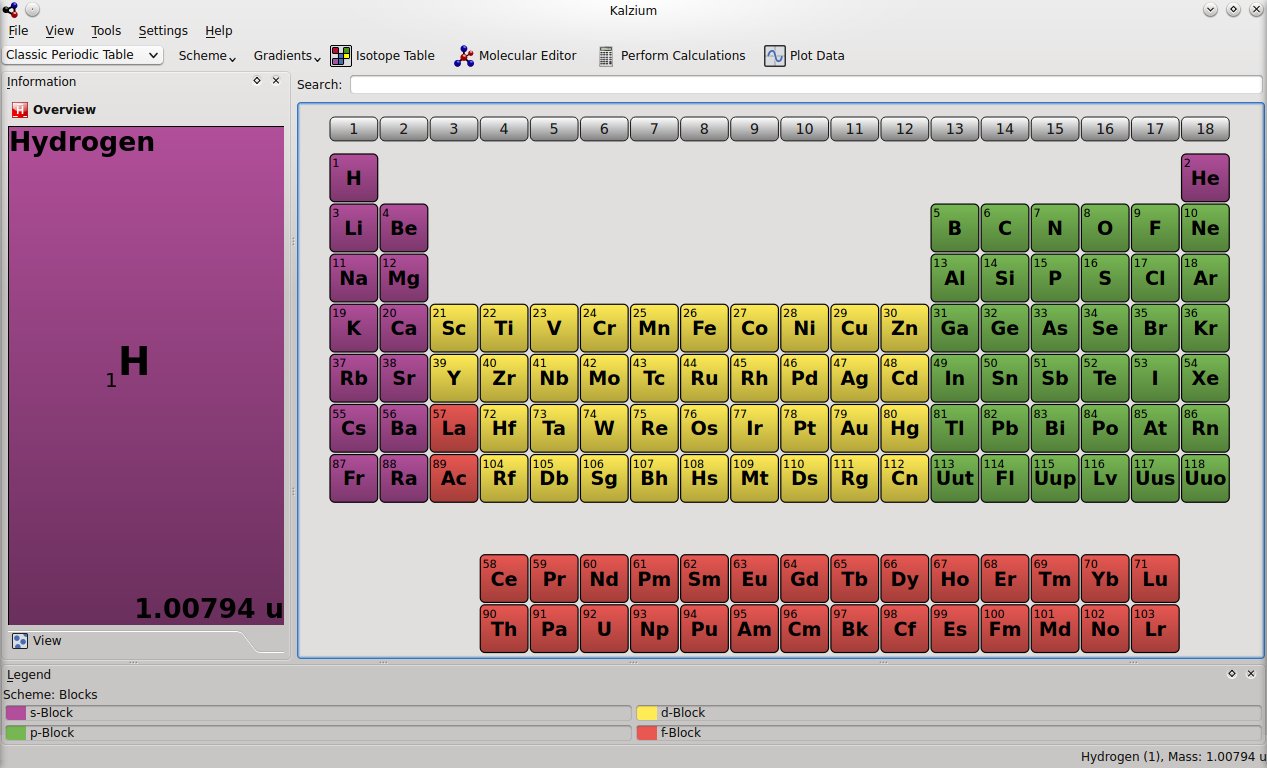
Kalzium is a periodic table application for KDE which not only displays detailed information about elements and allows you to view the periodic table using different schemes, but also allows you to perform various calculations, plot data depending on various factors, or balance chemical equations. It is a useful educational tool which can be of great aid learning about chemical elements.
There are quite a few terminals out there, and some of them follow the drop-down style. GNOME has Guake, a GTK-based terminal emulator with lots of features, but there is also Tilda or Final Term, while the KDE de-facto terminal is Yakuake.
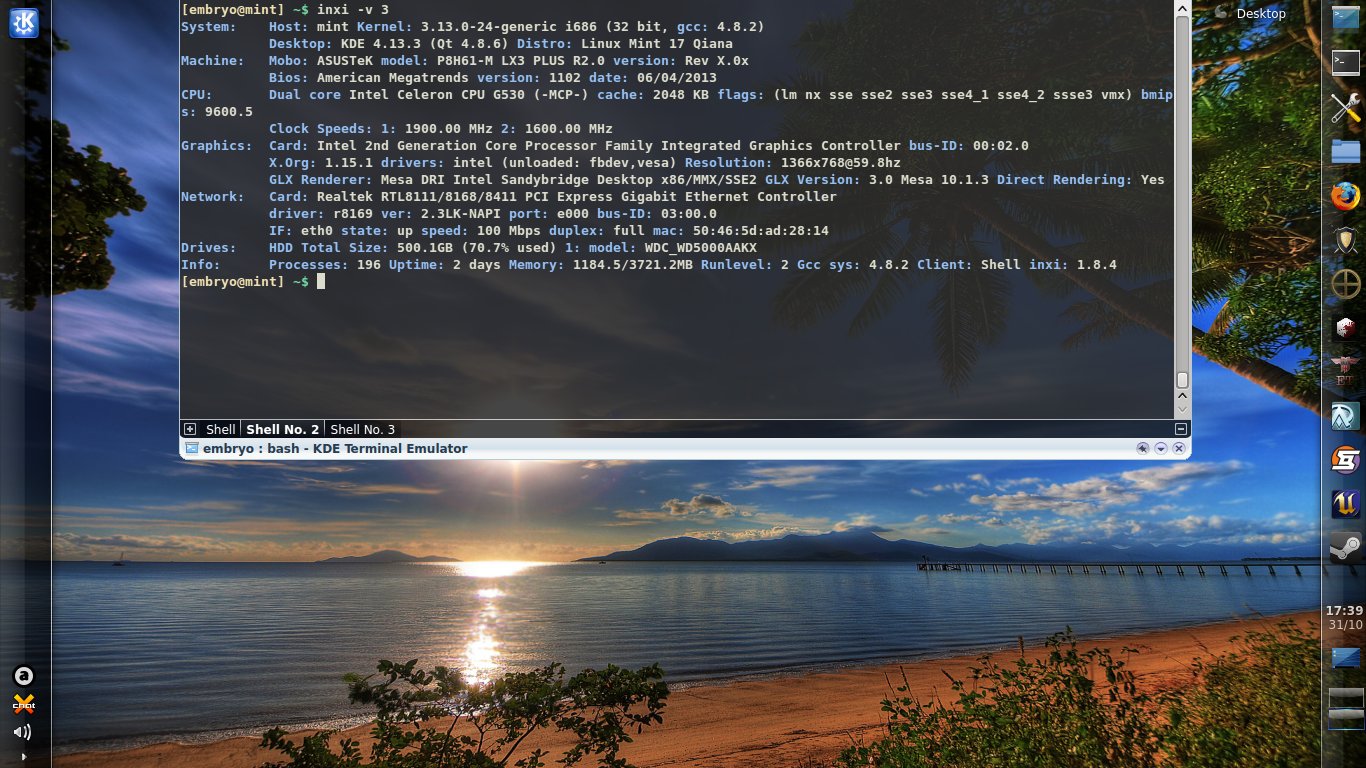
Drop-down terminal applications have the advantage that they can be shown or hidden using a single global hotkey, and they usually make it easy to resize their size, change the time of the drop-down animation, keep it on top of other applications.
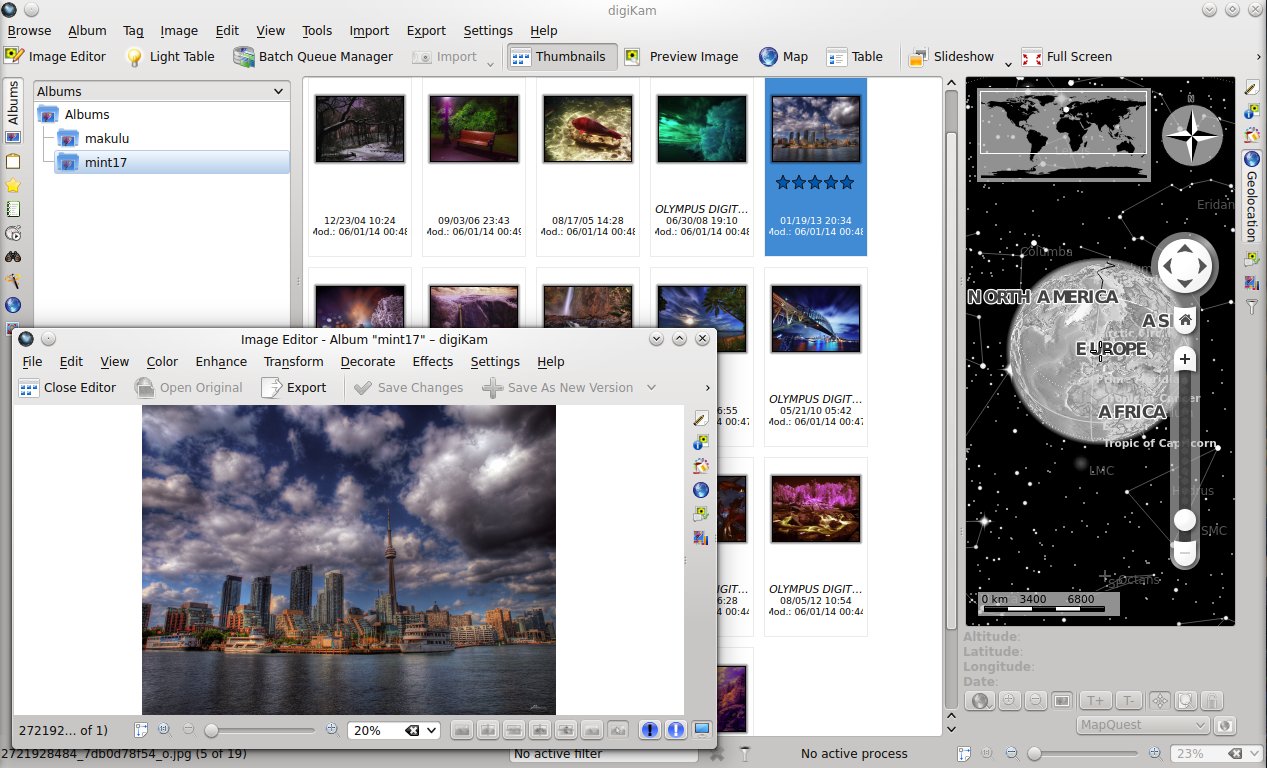
It’s been a while since I had a look at DigiKam, and even though I’m not much into using a specialized application for organizing and keeping track of photos, I decided to have a look at the state of this popular and feature-complete photo manager for KDE.
Marble is a 3D virtual globe application which features various map views, Internet services integration for geographical and meteorological data, satellite views, routes suggestions, plugins.
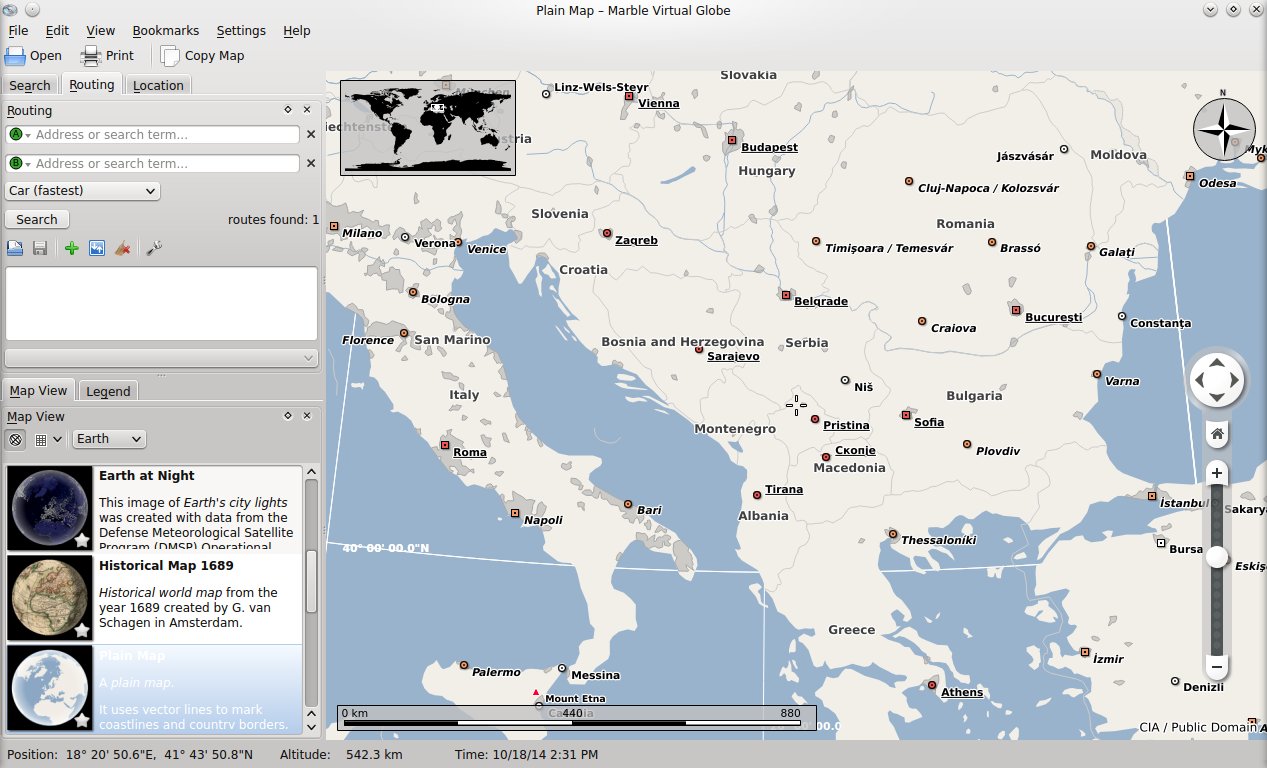
Marble comes included by default in the KDE environment, in the KDE Education package.
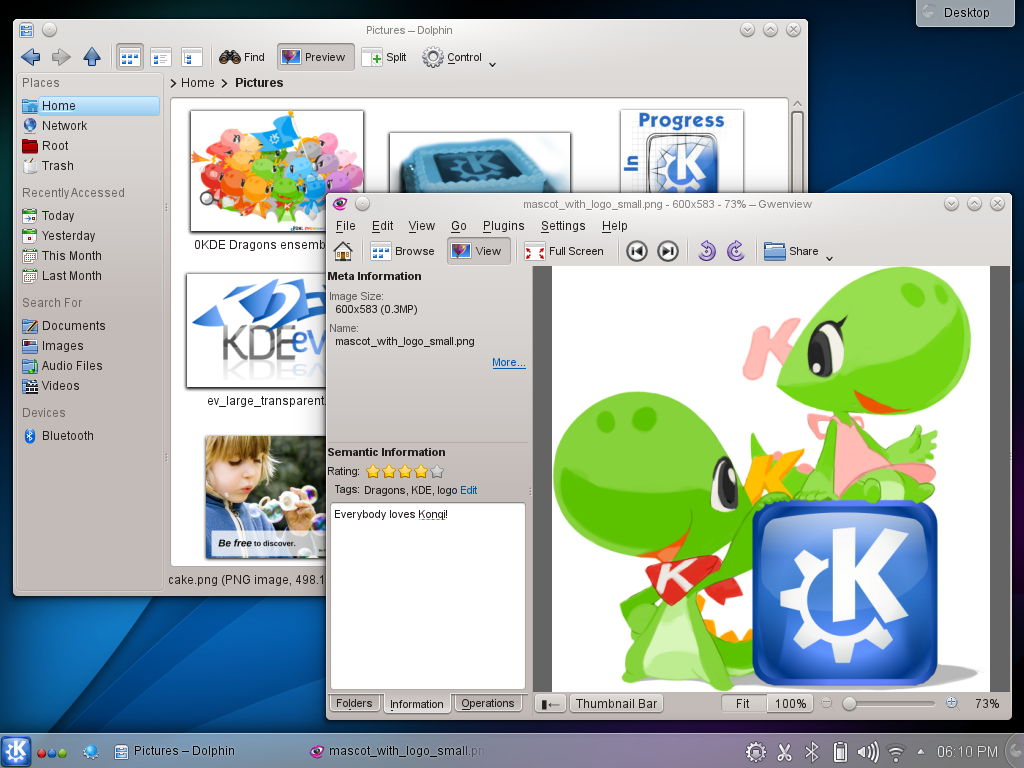
The September update to KDE Software Compilation has been released a few hours ago. This version fixes over 50 bugs and brings improvements to the Kontact personal information manager, the Okular universal document viewer, Umbrello UML modeller, Parley vocabulary app and Dolphin file manager.
(Source: http://kde.org/announcements/4.13/screenshots/applications.png)
The KDE SC 4.14 release schedule has been published over at kde.org, and unless a decision is taken to release the 4.15 follow-up, this just might be the last release of the 4.x series, with long-term support.
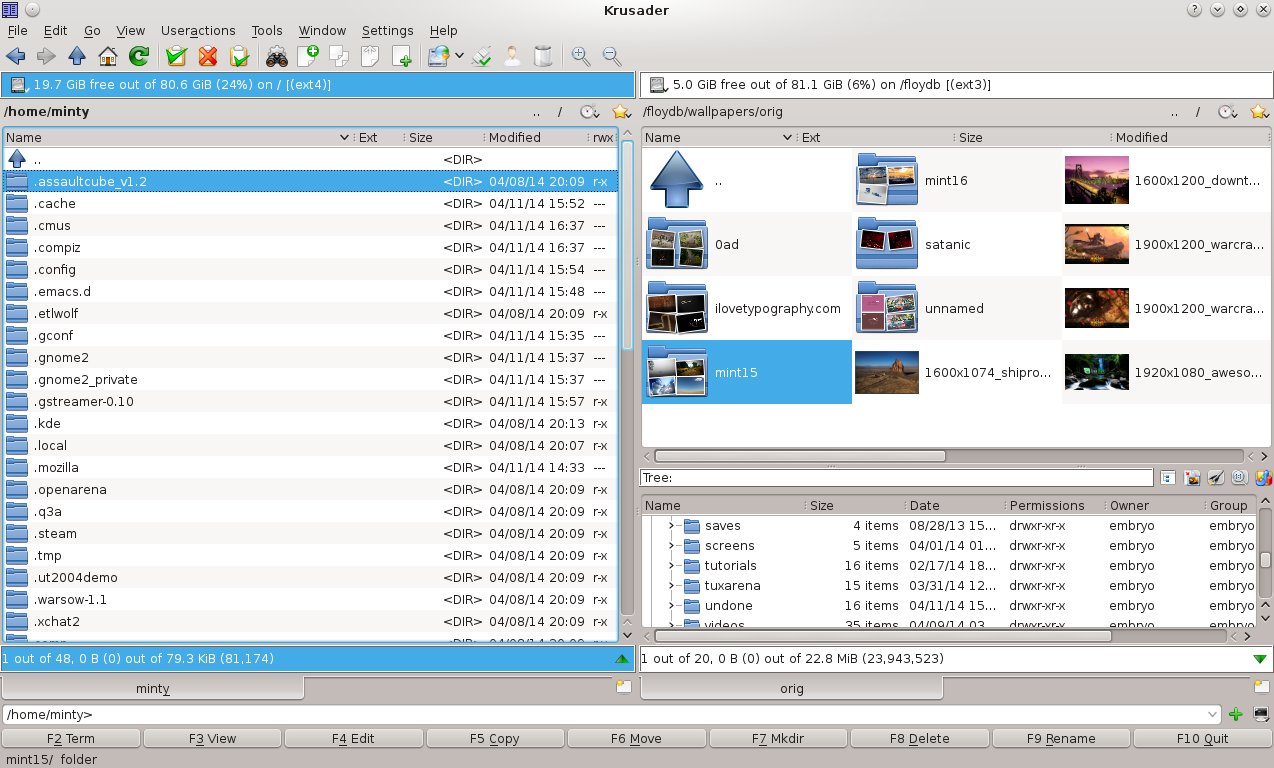
When it comes to file managers, the choices can be made from a very wide range, from simple, minimalist ones like Thunar up to more feature-rich ones like Konqueror and GNOME Commander, or the console-based applications like Midnight Commander.
Kubuntu versions usually ship with a pretty standard KDE setup, and Trusty makes no exception. You will find the clean, default and usual KDE interface, but fear not, for it is highly configurable and you can practically make it look and behave in any way you like it. Kubuntu Trusty will ship in four days with one of the latest and bleeding edge versions of KDE, 4.13.0.
Kubuntu 14.04 Trusty Tahr is scheduled for release on April 17th, together with Ubuntu and the whole range of flavors in the Ubuntu family. Since there are only a few days left until the release, the daily live ISO image, from which I tried Kubuntu, should pretty much behave like the final release. So let’s proceed and see what should we expect from Kubuntu for this Long-Term Support release.


