Ubuntu Forums 10-year birthday has been officially announced in a dedicated thread today, accompanied with a link to the first known post – a greeting by the long-time member ubuntu-geek.
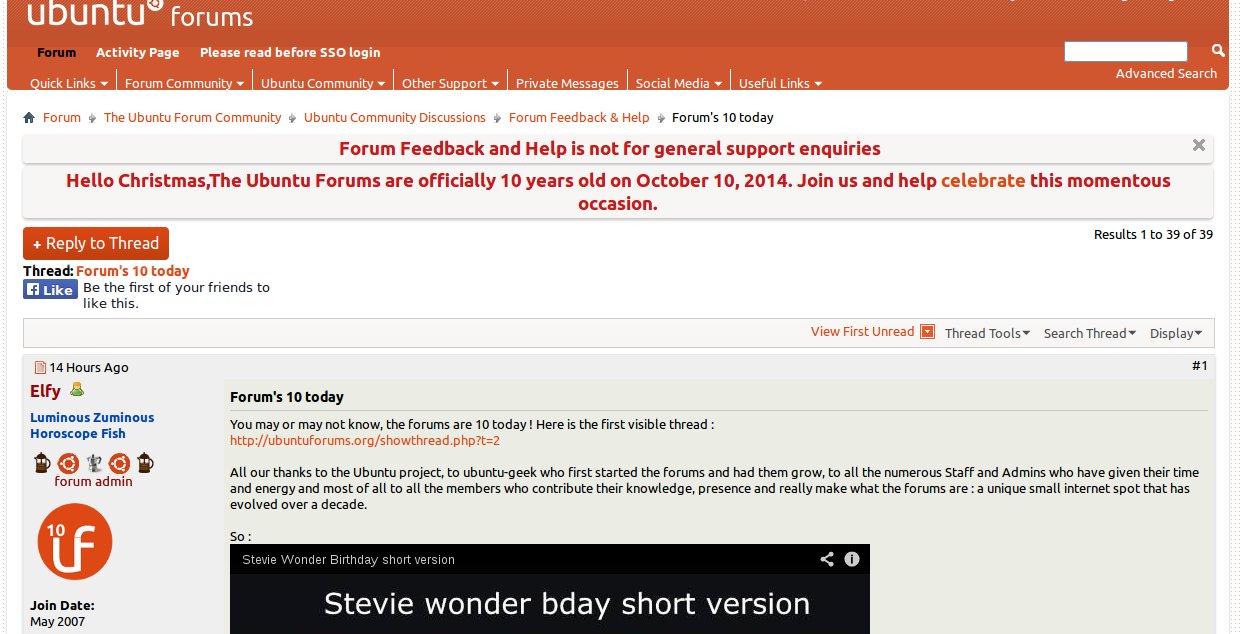

Ubuntu Forums 10-year birthday has been officially announced in a dedicated thread today, accompanied with a link to the first known post – a greeting by the long-time member ubuntu-geek.
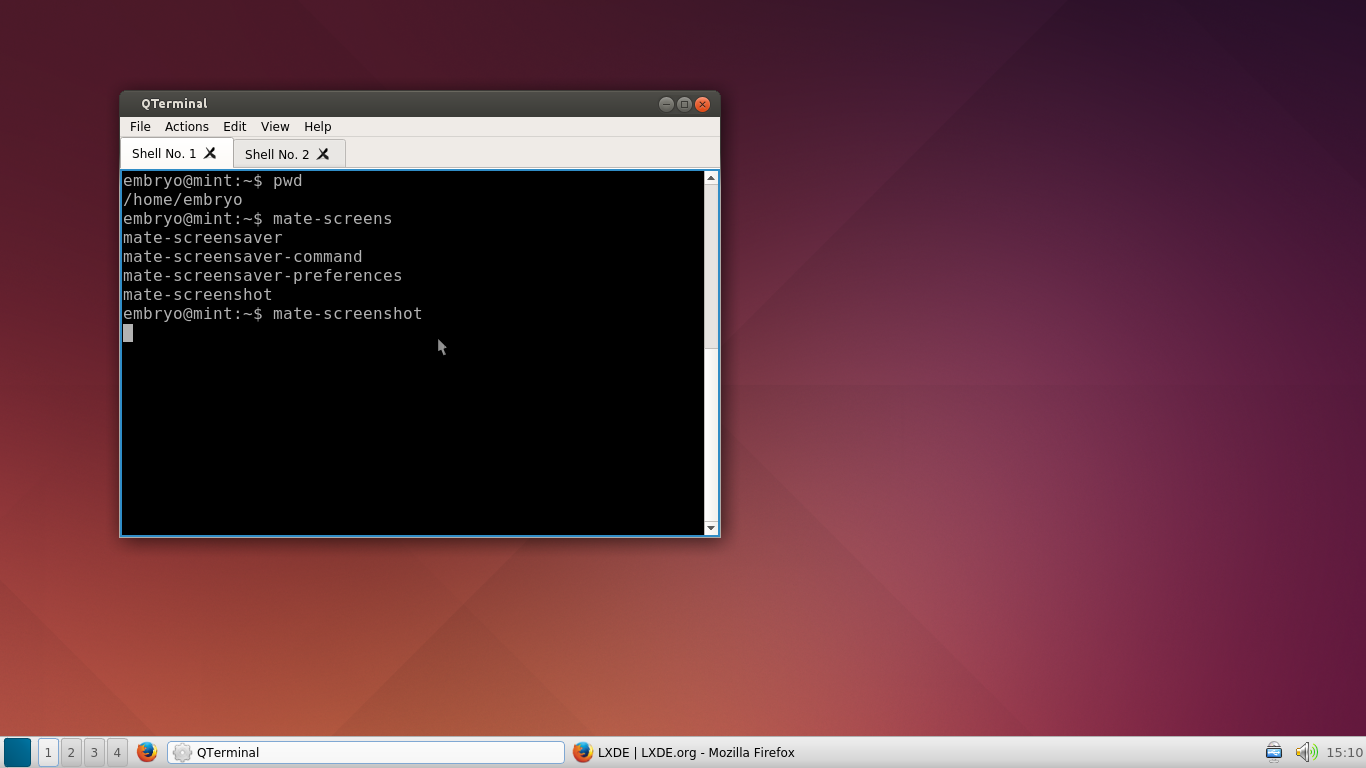
LXQt is designed to be the next-gen LXDE environment, using the Qt 5 libraries. LXQt is still under development, but a PPA is provided so you can try it in Ubuntu.
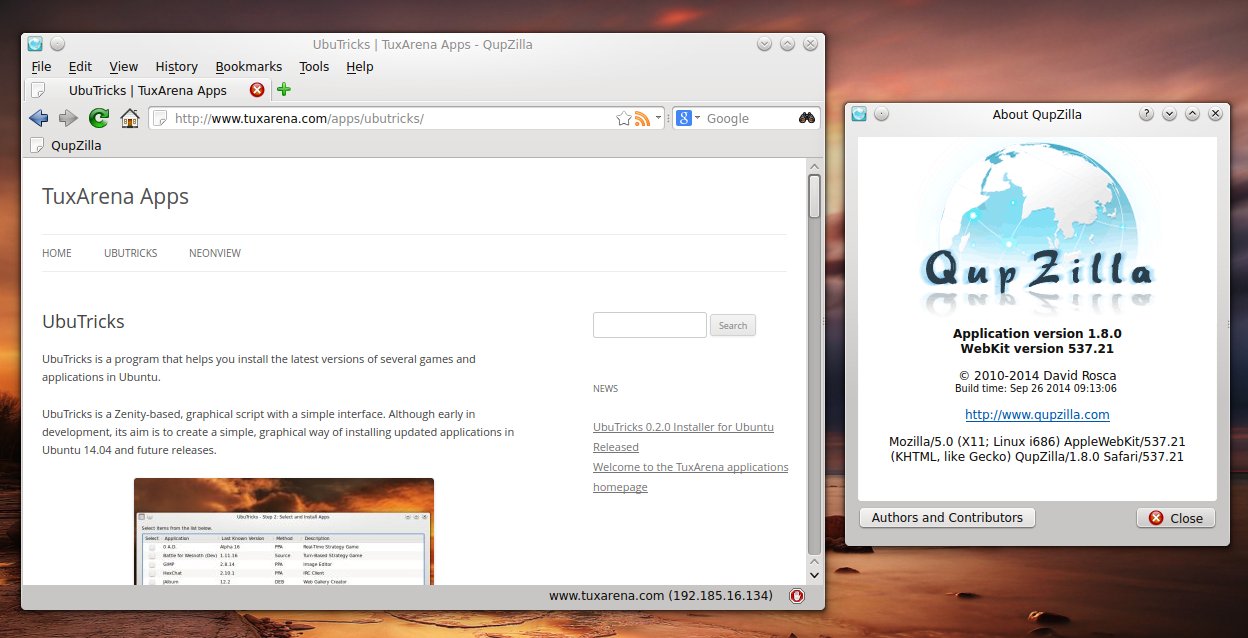
QupZilla is a relatively new WebKit-based web browser written in Qt, which makes it perfect for KDE users. QupZilla looks just great, and it seems to be a perfect browser for those users who prefer a more different approach when it comes to the interface look and feel. QupZilla stands out with an interface that doesn’t resemble neither of the ‘modern’ ones like Firefox, Chrome or Opera, but rather keeps a classic look, which I believe may fit many users out there. So let’s see what this impressive browser is all about.
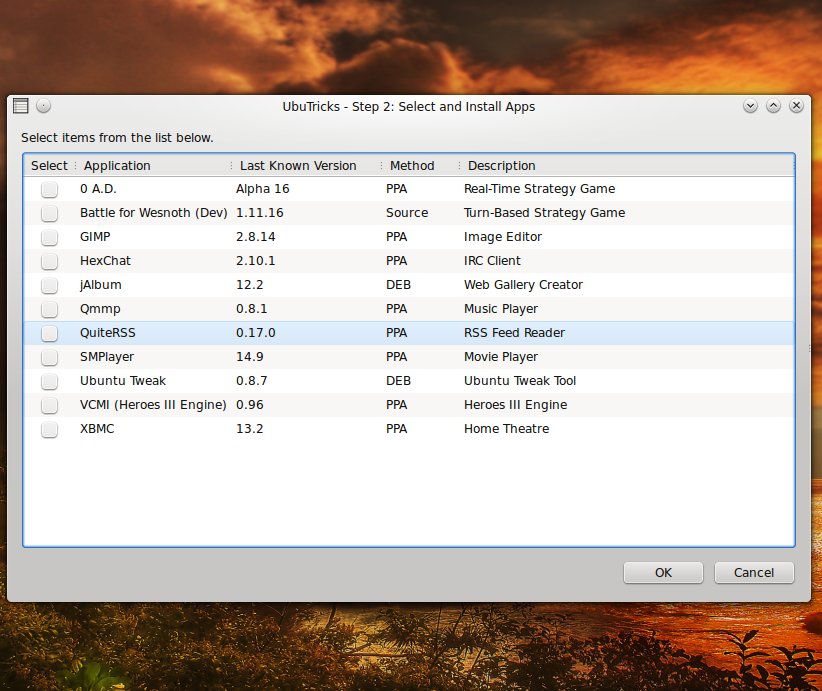
This is the first release of UbuTricks, a graphical program which aims to ease installing latest versions of various applications in Ubuntu. Currently, 11 programs are included, and Ubuntu 14.04 is supported.
I’m sure Ubuntu users who happen to love a classic desktop will be pleased to see how this project develops into a solid distribution. Although MATE is available in the repositories starting with Trusty, and there are well-established distributions that use MATE like Linux Mint, Ubuntu MATE may just have enough supporters to succeed.
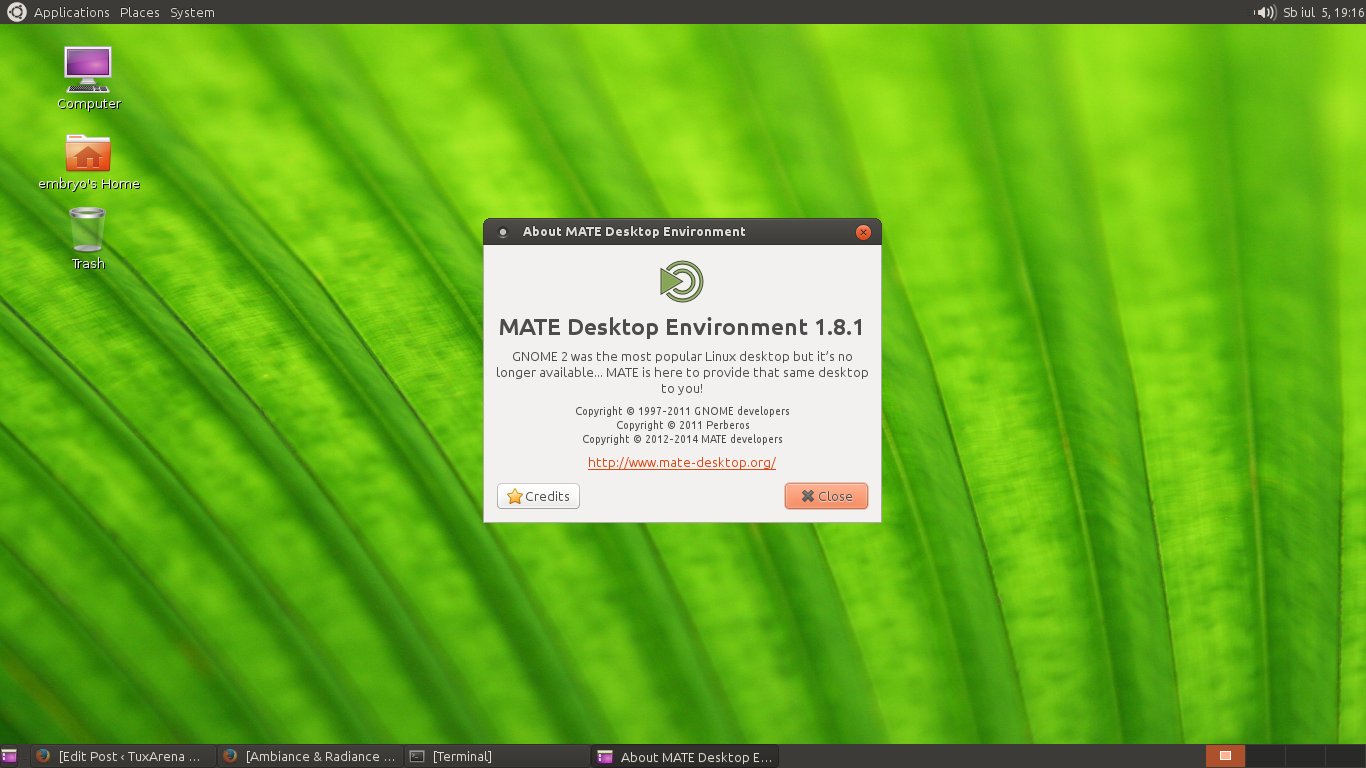
The distribution is not yet an official Ubuntu flavor, however, according to the information on the website, work is being done in this regard.
In a post on his personal blog, titled “U talking to me?” – quote which may or may not have something to do with Taxi Driver – Mark Shuttleworth expressed his willing to do “something unified and upright, something about which we can be universally proud” in the next Ubuntu release, but he also gave us a hint about the codename which 14.10 will have: Utopic Unicorn.

For this new Long-Term Support release, major changes have been implemented, not only in Ubuntu, but in its derivatives as well. Trusty will be supported for five years for Ubuntu, Kubuntu and Ubuntu Kylin, while the other flavors using a different desktop environment will be supported as well, if only for three years. These include Xubuntu and Lubuntu.
Kubuntu versions usually ship with a pretty standard KDE setup, and Trusty makes no exception. You will find the clean, default and usual KDE interface, but fear not, for it is highly configurable and you can practically make it look and behave in any way you like it. Kubuntu Trusty will ship in four days with one of the latest and bleeding edge versions of KDE, 4.13.0.
Kubuntu 14.04 Trusty Tahr is scheduled for release on April 17th, together with Ubuntu and the whole range of flavors in the Ubuntu family. Since there are only a few days left until the release, the daily live ISO image, from which I tried Kubuntu, should pretty much behave like the final release. So let’s proceed and see what should we expect from Kubuntu for this Long-Term Support release.

With Ubuntu 14.04 closing in to the release date, which is set for April 17th, I took Lubuntu for a spin from the daily live ISO image. Lubuntu is the most lightweight distribution in the Ubuntu family (the other one being Xubuntu which uses Xfce), using LXDE (Lightweight X11 Desktop Environment), as well as a set of applications intended to be low on resources.
Earlier today, Jane Silber, the CEO of Canonical, the company behind Ubuntu, announced in an official blog post that the Ubuntu One service will be closed, and those who have subscriptions will have their money refunded. This is some sad news for those of us who are using this service.

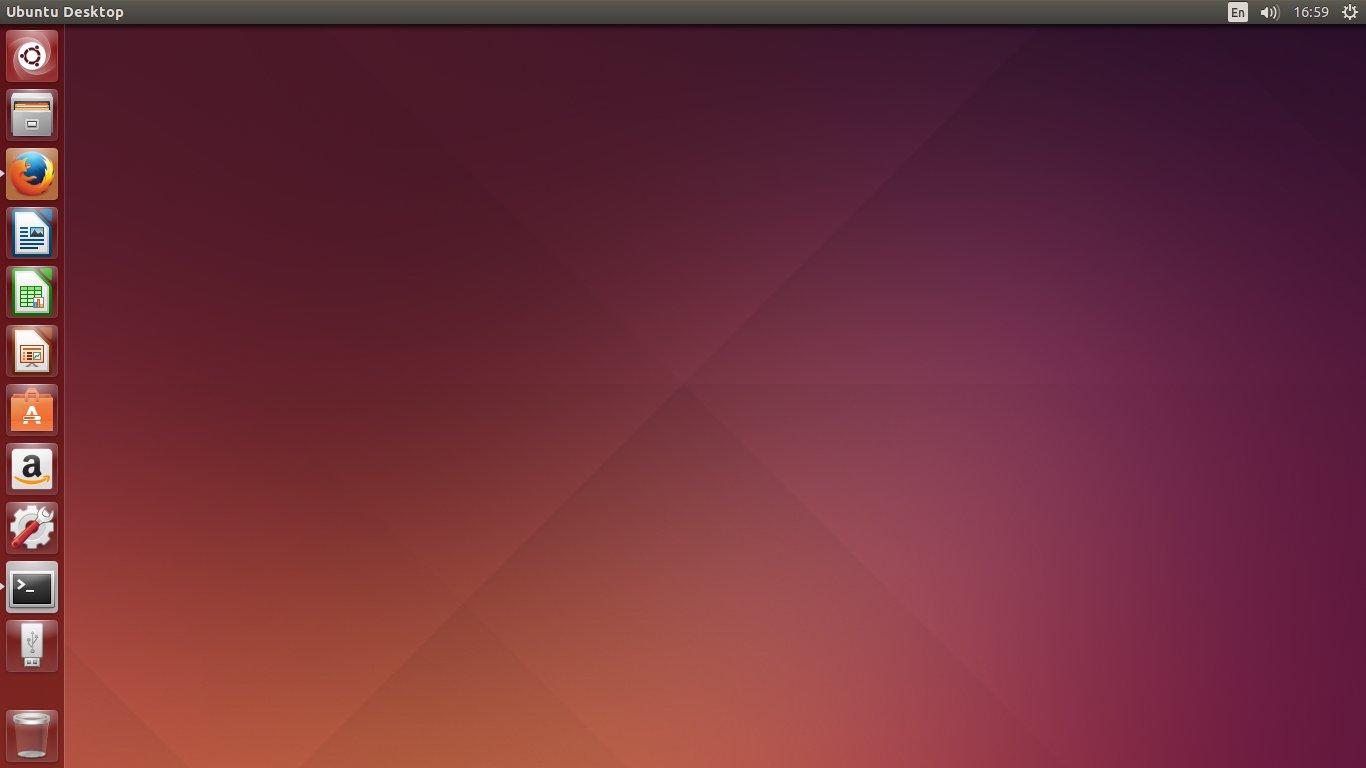
The next Ubuntu Long-Term Release, codenamed Trusty Tahr, will be released on April 17th, 2014 and will ship with several notable features, while mainly focusing on stable main components rather than bleeding-edge software, a very good decision which fits perfectly such a big release. Trusty will be supported for five years on both the desktop and the server. I must say, this is a long awaited release, and probably not only by Ubuntu users, but also the ones of Mint and other distributions based upon Ubuntu, since the upcoming Mint 17 will be based on Trusty. I’m really expecting a solid experience here, which could last for years as a main desktop and development machine.
This is just an overview of the most notable features, I will dedicate a more through review when the final release comes out.
Canonical Announces Two Mobile Phones Manufacturers for Its Ubuntu Phones
Canonical signed agreements with bq and Meizu to deliver and ship Ubuntu Phones. The first company is headquartered in Spain, while Meizu is a manufacturer from China. The announcement came on February 19, and, according to Mark Shuttleworth,
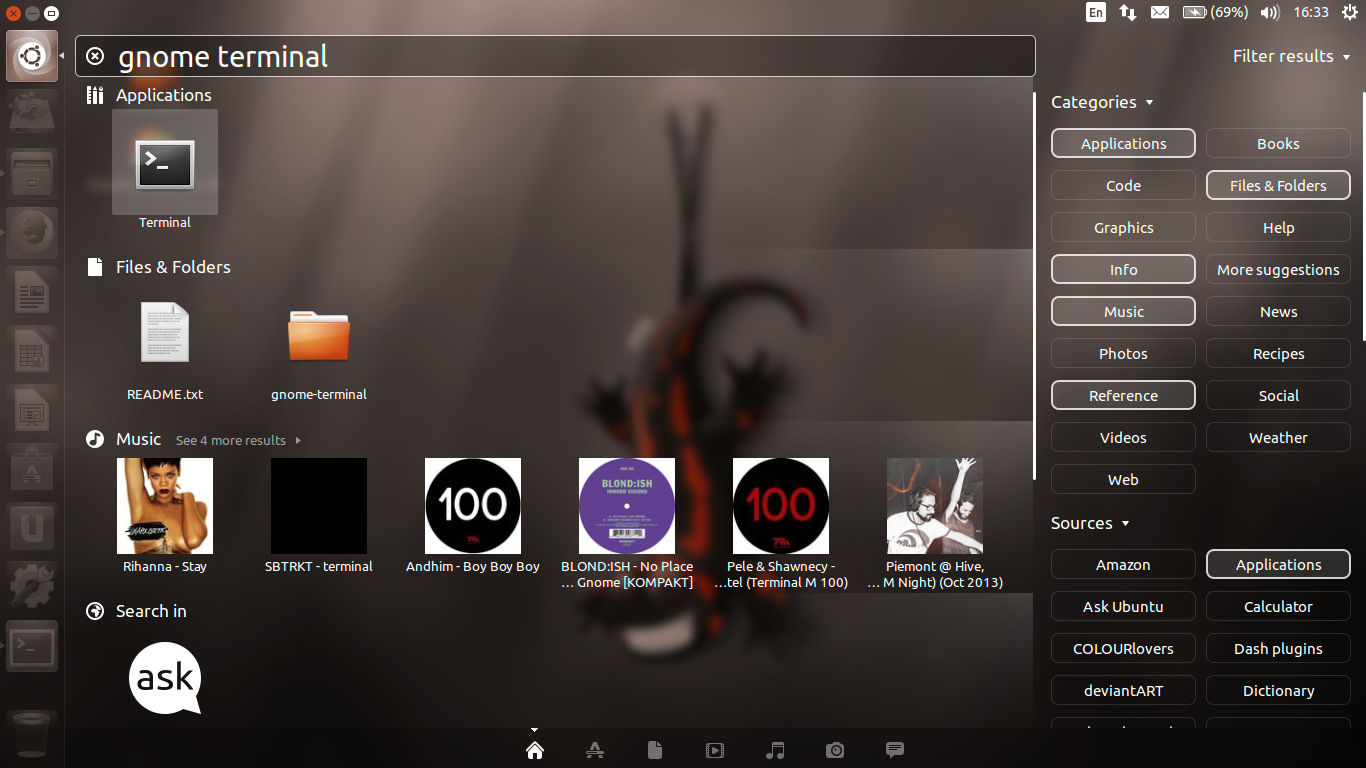
This tutorial focuses on showing the use of one of the new features introduced in Ubuntu 13.10, namely Smart Scopes. With Mir being postponed, Saucy Salamander didn’t have a lot of new features, focusing on stability rather than trying to break new grounds. Smart Scopes is one of the main additions to Dash in Saucy.