Ubuntu/Debian/Mint news and tutorials | Linux stuff
feed.png
Quick Tip #1
Disable Overlay Scrollbars in GNOME
For Ubuntu 12.10, open a terminal and type the following command:
gsettings set com.canonical.desktop.interface scrollbar-mode normal
Changes should occur instantly. The overlay scrollbars should now be replaced with normal scrollbars.

For Ubuntu 12.04, use the following command:
gsettings set org.gnome.desktop.interface ubuntu-overlay-scrollbars false
Log out and log back in for changes to occur.
Quick Tip #2
Mount an ISO Image from Command-Line
sudo mount -o loop /path/to/image.iso /path/to/empty/dir
Notice that /path/to/empty/dir must exist and should be empty.
Quick Tip #3
Find Out Current GNOME Version
For GNOME:
gnome-shell --version
For the Compiz window manager, use:
compiz --version

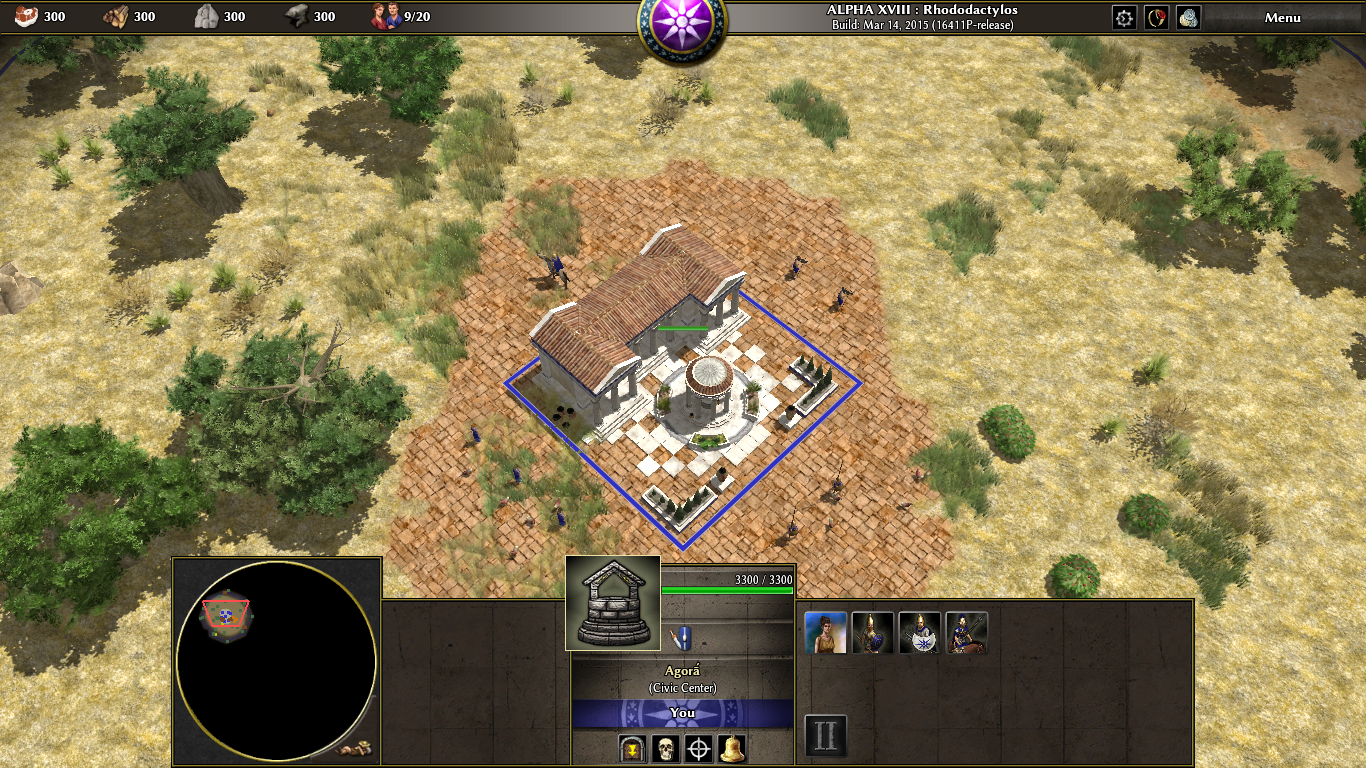
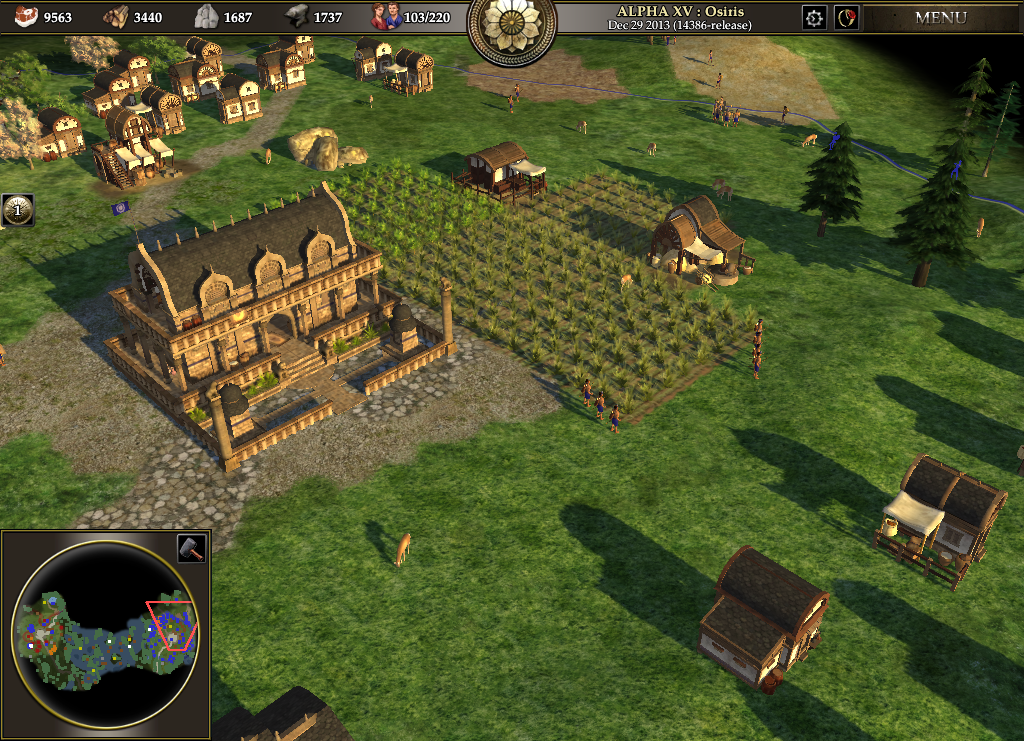
0 A.D. is a strategy game that has been around for quite some time now, and it reached a decent level of completeness despite the fact that Wildfire Games are releasing only alpha versions. It’s free, open-source and available for Linux, Windows and Mac OS X and the latest alpha, codenamed ‘Ides of March’, comes with a whole bunch of new features and fixes.

Full article

Sponsors
Advertise on TuxArena
Online Readers