
Ubuntu/Debian/Mint news and tutorials | Linux stuff
feed.png
Quick Tip #1
Disable Overlay Scrollbars in GNOME
For Ubuntu 12.10, open a terminal and type the following command:
gsettings set com.canonical.desktop.interface scrollbar-mode normal
Changes should occur instantly. The overlay scrollbars should now be replaced with normal scrollbars.

For Ubuntu 12.04, use the following command:
gsettings set org.gnome.desktop.interface ubuntu-overlay-scrollbars false
Log out and log back in for changes to occur.
Quick Tip #2
Mount an ISO Image from Command-Line
sudo mount -o loop /path/to/image.iso /path/to/empty/dir
Notice that /path/to/empty/dir must exist and should be empty.
Quick Tip #3
Find Out Current GNOME Version
For GNOME:
gnome-shell --version
For the Compiz window manager, use:
compiz --version

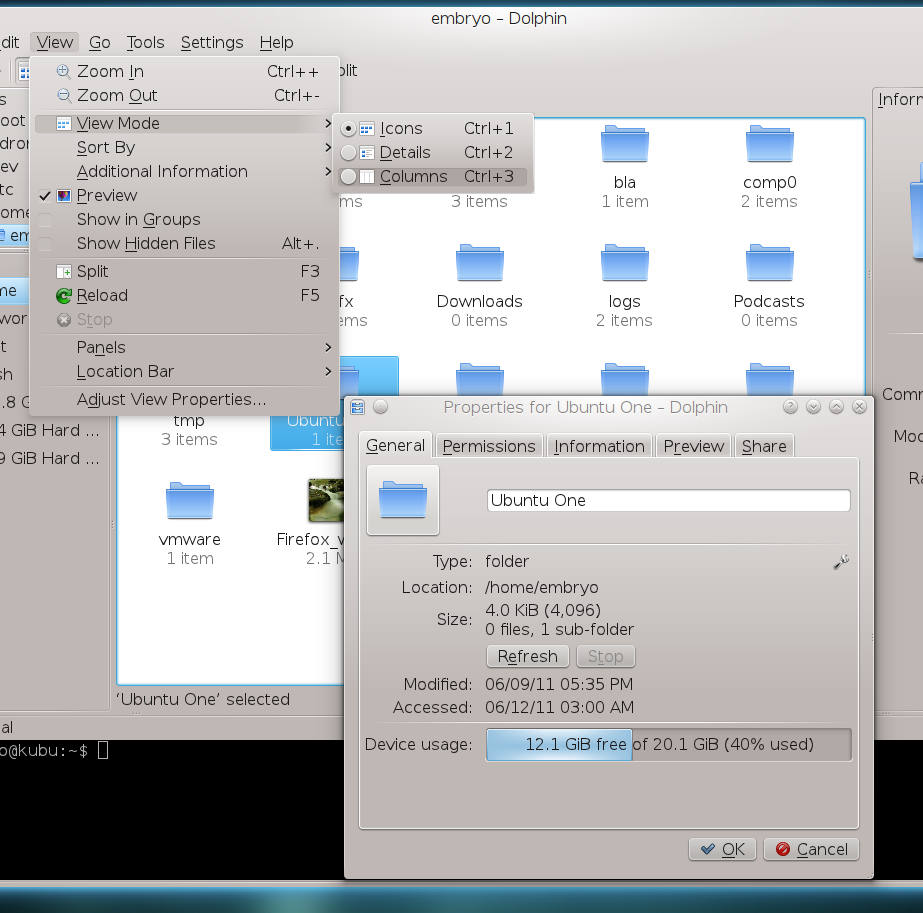
Those of you who are using Kubuntu are already familiar with Dolphin, the default file manager shipped in most KDE distributions. There are several very good file managers for KDE, and I must include here Konqueror or Krusader, however Dolphin’s goal is to offer as much as possible functionality while also keeping lightweight and fast. And yes, it does it perfectly well, offering powerful features and a clean interface at the same time.
Full article

Sponsors
Advertise on TuxArena
Online Readers