


Emacs 24.4 has been released earlier today, and it ships with several new features and improved functionality, one of the most notable being the presence of an integrated web browser.
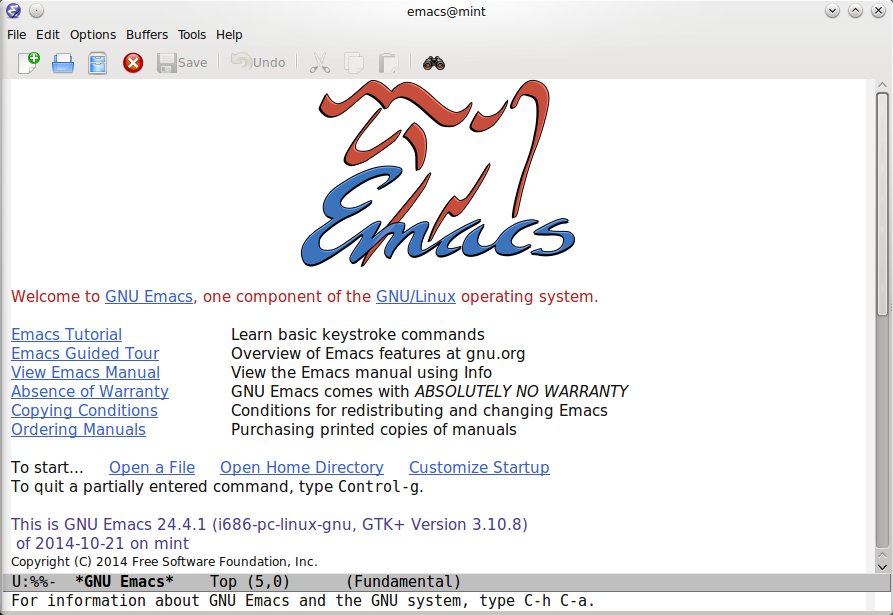

Emacs 24.4 has been released earlier today, and it ships with several new features and improved functionality, one of the most notable being the presence of an integrated web browser.
Besides from being a powerful development environment, Emacs is cataloged by some as an entire operating system, since it provides many more features. Let’s have a look at some of the features that come with Emacs, which are pretty much programs in their own right, although included in Emacs.
Emacs is a very powerful integrated development environment – but not only:
First of all I’d like to thank TuxArena’s readers for giving good feedback in the first part of this series, which overviews 15 of the tools I consider particularly useful in a console. This article overviews 10 more such tools, and most of them were suggested by you. Screenshots included.
telnet
telnet is a well-known command-line tool which uses sockets to open a TCP connection to the specified hostname and port. telnet can be primarily used for non-secure connections to connect to a HTTP server and get a file or to an IRC server for example. Escape character in telnet is ^] (press Ctrl+])
Homepage
