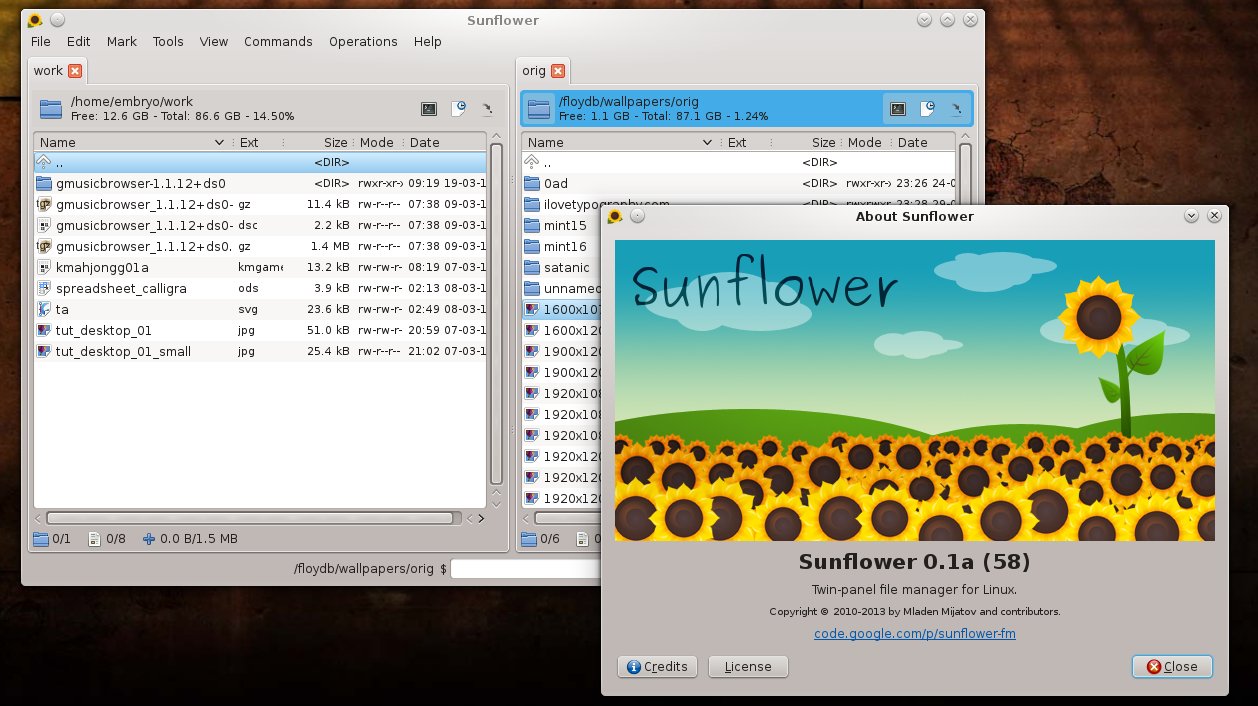
Although it describes itself as a minimalist file manager, I have only words of praise for Sunflower, since it rather gathers a lot of features in a compact interface, and I do believe it needs a bit more attention. Sunflower is a twin-panel file manager with a somewhat different approach compared to standard GNOME/KDE/Xfce file browsers, written in GTK with several notable features and support for plugins.