Ubuntu/Debian/Mint news and tutorials | Linux stuff
feed.png
Quick Tip #1
Disable Overlay Scrollbars in GNOME
For Ubuntu 12.10, open a terminal and type the following command:
gsettings set com.canonical.desktop.interface scrollbar-mode normal
Changes should occur instantly. The overlay scrollbars should now be replaced with normal scrollbars.

For Ubuntu 12.04, use the following command:
gsettings set org.gnome.desktop.interface ubuntu-overlay-scrollbars false
Log out and log back in for changes to occur.
Quick Tip #2
Mount an ISO Image from Command-Line
sudo mount -o loop /path/to/image.iso /path/to/empty/dir
Notice that /path/to/empty/dir must exist and should be empty.
Quick Tip #3
Find Out Current GNOME Version
For GNOME:
gnome-shell --version
For the Compiz window manager, use:
compiz --version

Battle for Wesnoth
Battle for Wesnoth, or BfW for short, is a popular turn-based strategy game which takes place in a fantasy universe and has support for singleplayer and multiplayer, official campaigns (and more available to download), hotseat games. The game comes by default with 6 factions and takes place over hexagons, each player deploying his army and trying to kill his opponent. Wesnoth can be highly modded via WML (Wesnoth Markup Language), and the add-ons server includes many more maps, factions, eras and campaigns. Beside for the usual mode which allows up to 9 players to battle against each other or forming teams, there are also the rumble maps (very small maps), or the survival ones, or the multiplayer campaigns or role playing maps. There is also an unofficial ladder available. Wesnoth is really an awesome, complete game, with a great community, great online playing, music themes, map editor, a great helping system, and much, much more.

Full article

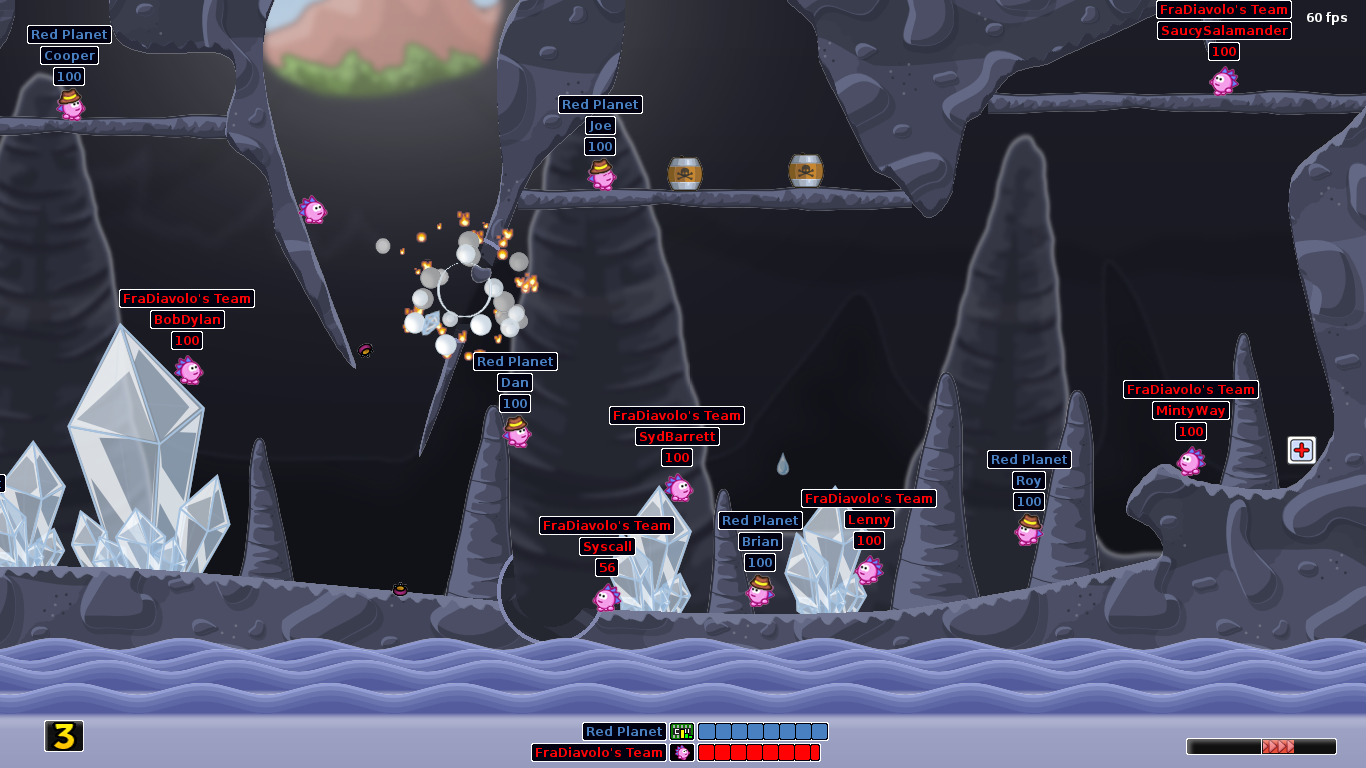
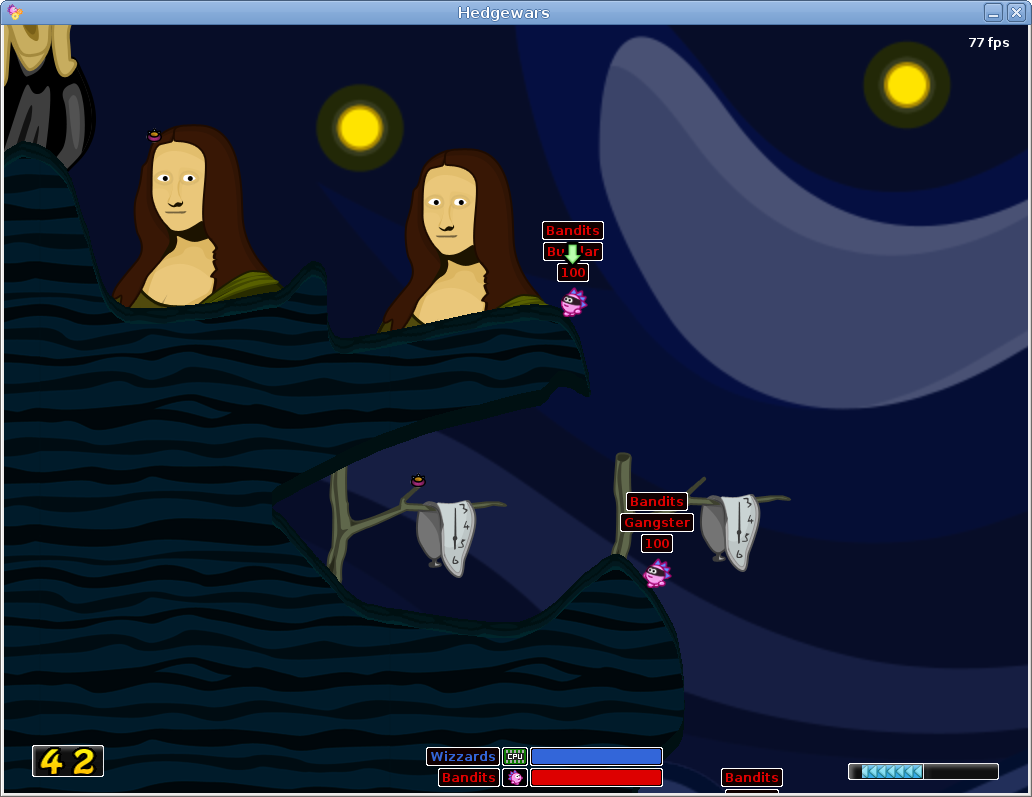
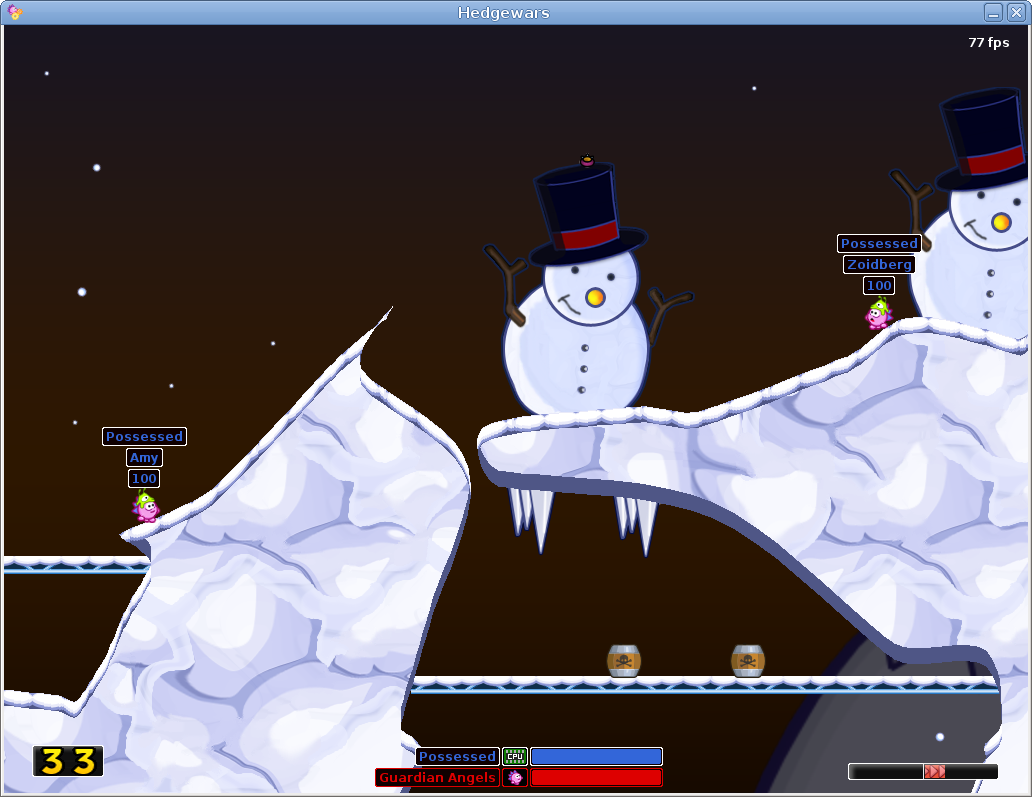
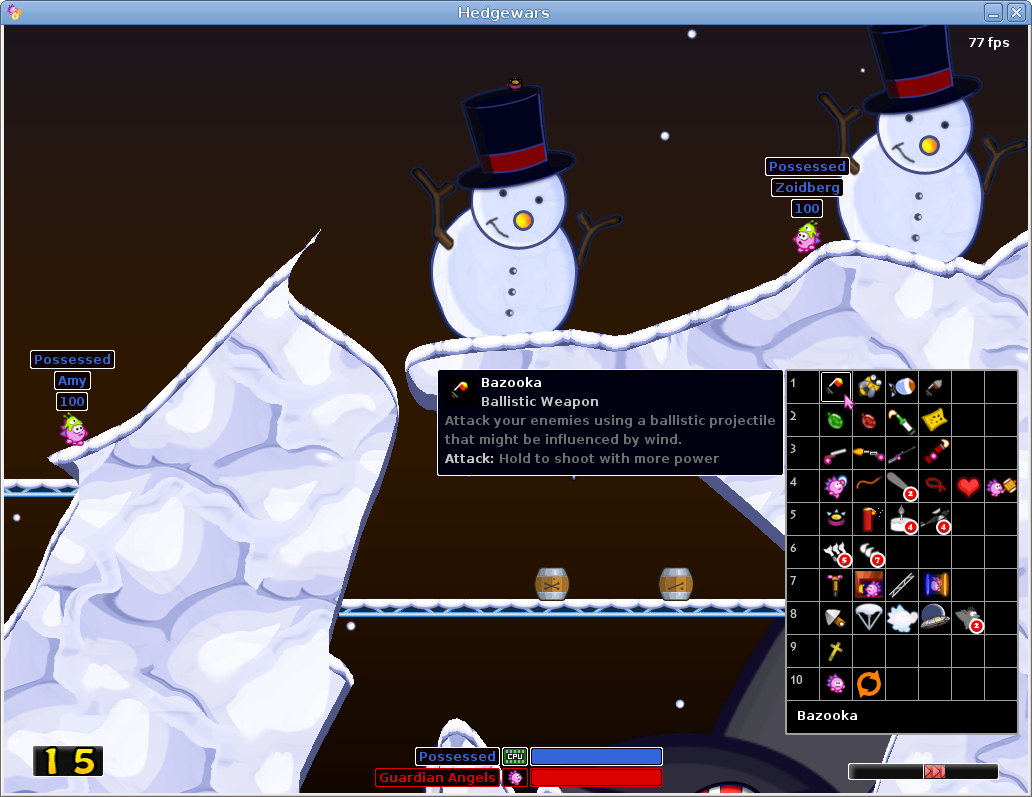
A few days ago I reviewd WarMUX, a free and open-source Worms-like game for Linux. Today I’ll take a look to Hedgewars, another free Worms clone with funny characters, good playability and support for online multiplayer.


Full article

Sponsors
Advertise on TuxArena
Online Readers