
Ubuntu/Debian/Mint news and tutorials | Linux stuff
feed.png
Quick Tip #1
Disable Overlay Scrollbars in GNOME
For Ubuntu 12.10, open a terminal and type the following command:
gsettings set com.canonical.desktop.interface scrollbar-mode normal
Changes should occur instantly. The overlay scrollbars should now be replaced with normal scrollbars.

For Ubuntu 12.04, use the following command:
gsettings set org.gnome.desktop.interface ubuntu-overlay-scrollbars false
Log out and log back in for changes to occur.
Quick Tip #2
Mount an ISO Image from Command-Line
sudo mount -o loop /path/to/image.iso /path/to/empty/dir
Notice that /path/to/empty/dir must exist and should be empty.
Quick Tip #3
Find Out Current GNOME Version
For GNOME:
gnome-shell --version
For the Compiz window manager, use:
compiz --version

cmus
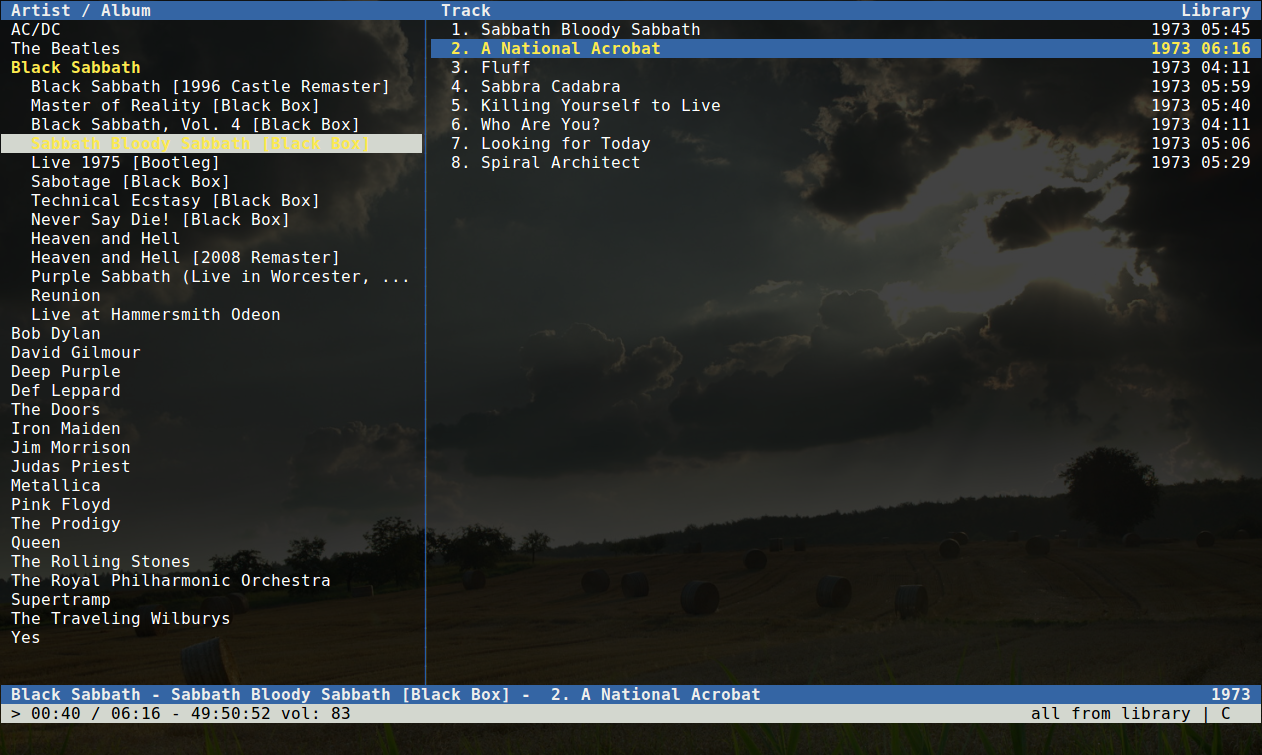
cmus is a music player that I admire the most when it comes to command-line because it’s really powerful and has a lot of nice features. It is built with ncurses and therefore providing a text-user interface. cmus is indeed feature-rich, with several view modes and Last.fm song submission support via scripts. It supports Vi-like commands and auto-completion with Tab too. Recently I wrote a full guide on how to use cmus, you can read it here.
Homepage
Full article

Sponsors
Advertise on TuxArena
Online Readers