
Ubuntu/Debian/Mint news and tutorials | Linux stuff
feed.png
Quick Tip #1
Disable Overlay Scrollbars in GNOME
For Ubuntu 12.10, open a terminal and type the following command:
gsettings set com.canonical.desktop.interface scrollbar-mode normal
Changes should occur instantly. The overlay scrollbars should now be replaced with normal scrollbars.

For Ubuntu 12.04, use the following command:
gsettings set org.gnome.desktop.interface ubuntu-overlay-scrollbars false
Log out and log back in for changes to occur.
Quick Tip #2
Mount an ISO Image from Command-Line
sudo mount -o loop /path/to/image.iso /path/to/empty/dir
Notice that /path/to/empty/dir must exist and should be empty.
Quick Tip #3
Find Out Current GNOME Version
For GNOME:
gnome-shell --version
For the Compiz window manager, use:
compiz --version

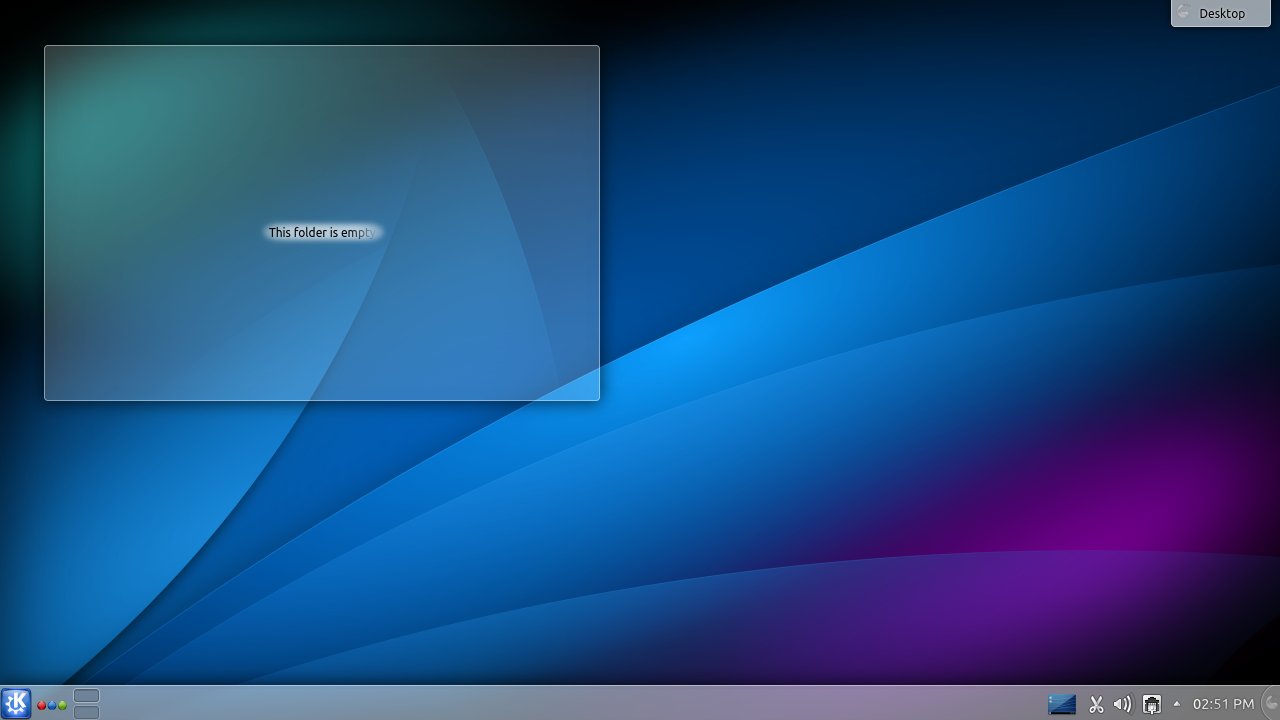
I tried 4.10 in Kubuntu 13.04 Daily Build, which is still two months away from being released but, surprise, KDE 4.10 seems very stable. The system is up to date as of March 4, 2013, and I installed a few more applications from the repositories to see how they work.

Default KDE 4.10 desktop in Kubuntu 13.04 Daily Build
Full article

Sponsors
Advertise on TuxArena
Online Readers