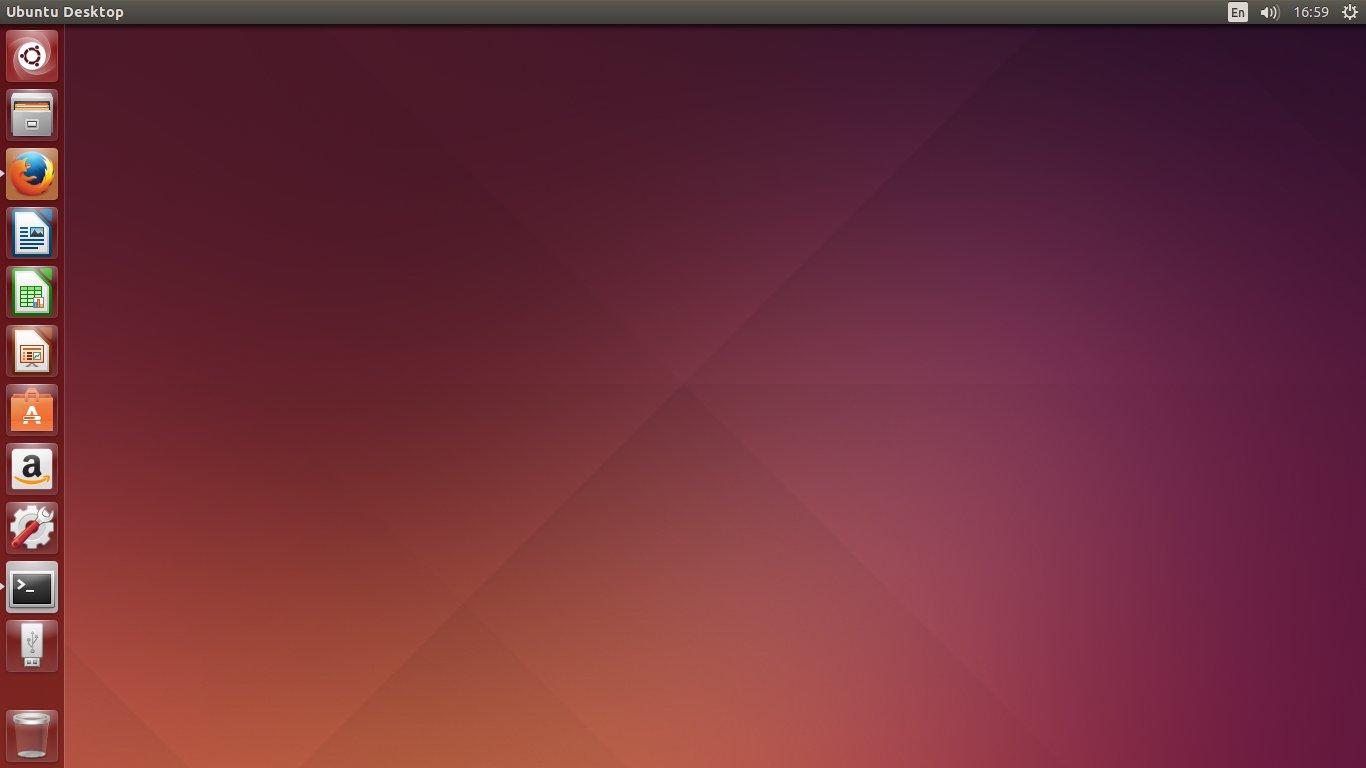
The next Ubuntu Long-Term Release, codenamed Trusty Tahr, will be released on April 17th, 2014 and will ship with several notable features, while mainly focusing on stable main components rather than bleeding-edge software, a very good decision which fits perfectly such a big release. Trusty will be supported for five years on both the desktop and the server. I must say, this is a long awaited release, and probably not only by Ubuntu users, but also the ones of Mint and other distributions based upon Ubuntu, since the upcoming Mint 17 will be based on Trusty. I’m really expecting a solid experience here, which could last for years as a main desktop and development machine.
This is just an overview of the most notable features, I will dedicate a more through review when the final release comes out.
Full article