





Firefox 4 is knocking at the door and the latest beta release looks just awesome. The seventh beta release introduces several important changes, including a revamped user interface (with the tab location above the address bar and navigation buttons), tab grouping, improved bookmarking system, re-open recently closed windows, built-in synchronizing system, rendering engine improvements, and more. This article contains a screenshot gallery with all the main features and changes brought until now by Firefox 4.
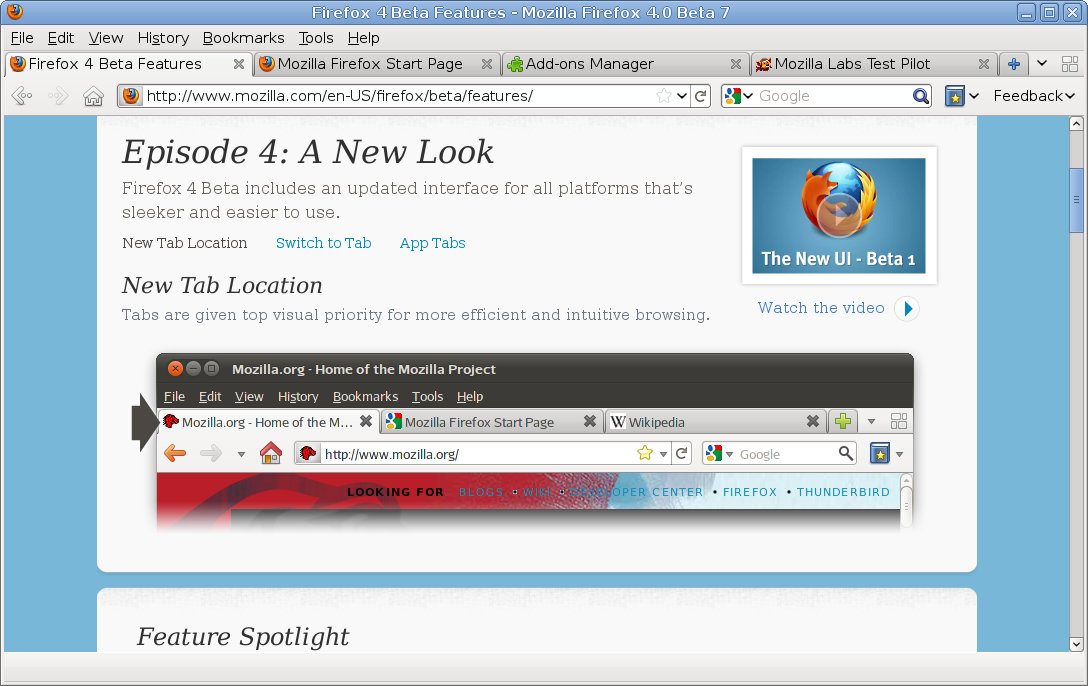
Here are the new features (with screenshots) introduced since Firefox 3.5:
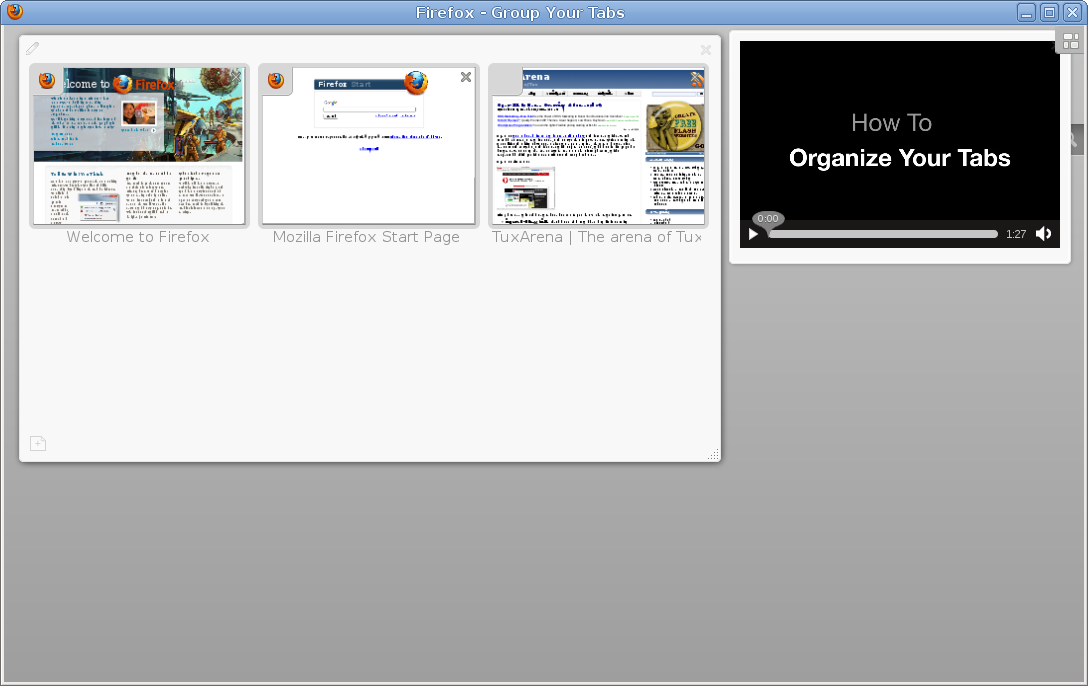
Tab grouping
Yesterday I talked about Opera 11, which also introduced in their latest release the tab grouping feature. Firefox offers a special space for this, allowing you to move tabs in different groups, rename tab groups, and finally bring up front the group which you need at the moment.
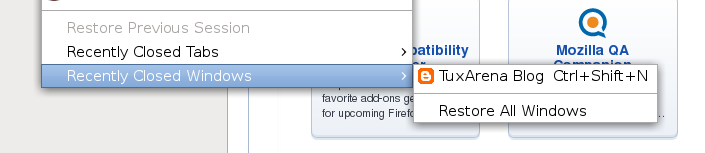
Recently closed windows
I don’t know why this feature didn’t make it into 3.5, since recently closed tabs was around for a while. This new feature is now accessible under the History -> Recently Closed Windows menu entry, or using the Ctrl+Shift+N keyboard shortcut (and Ctrl+Shift+T for recently closed tabs).
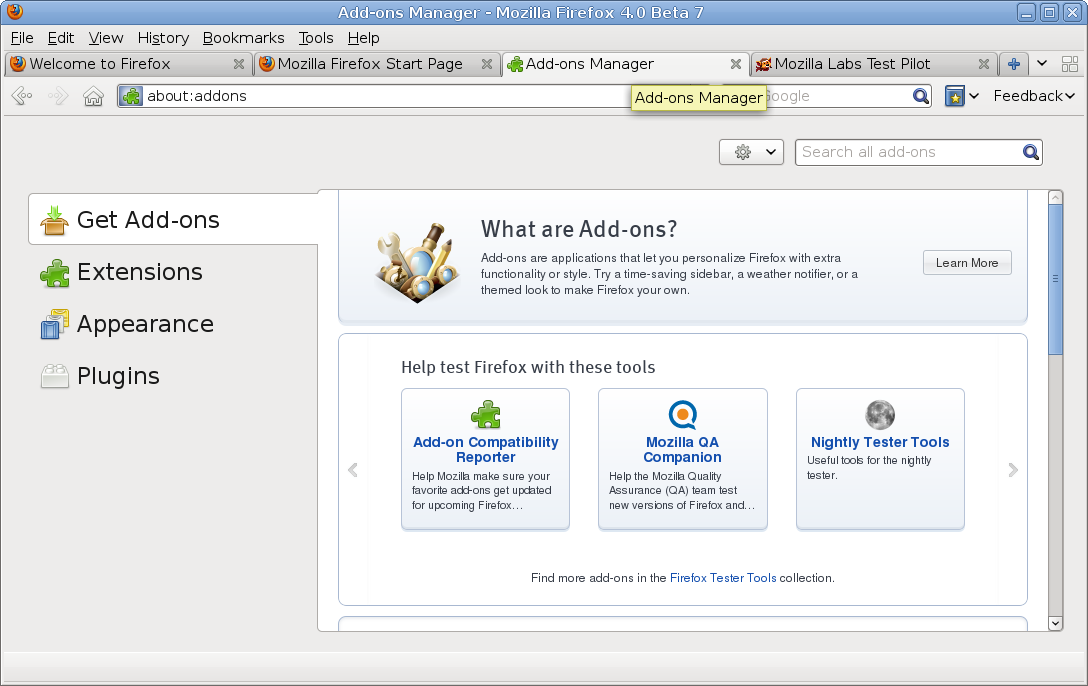
Add-ons window now opens in a tab
The add-ons window is now opened as a tab instead of a separate window on its own. Check this screenshot:
Mouse over link shows URL in the address bar instead of bottom
I don’t know whether it’s actually a feature or not, it’s probably more intuitive to some though.

Feedback forms
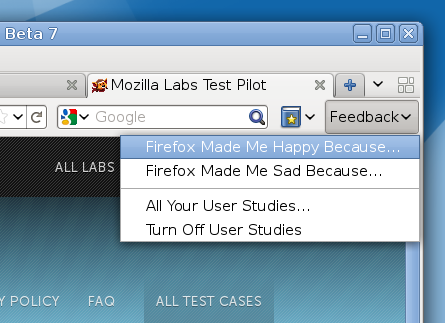
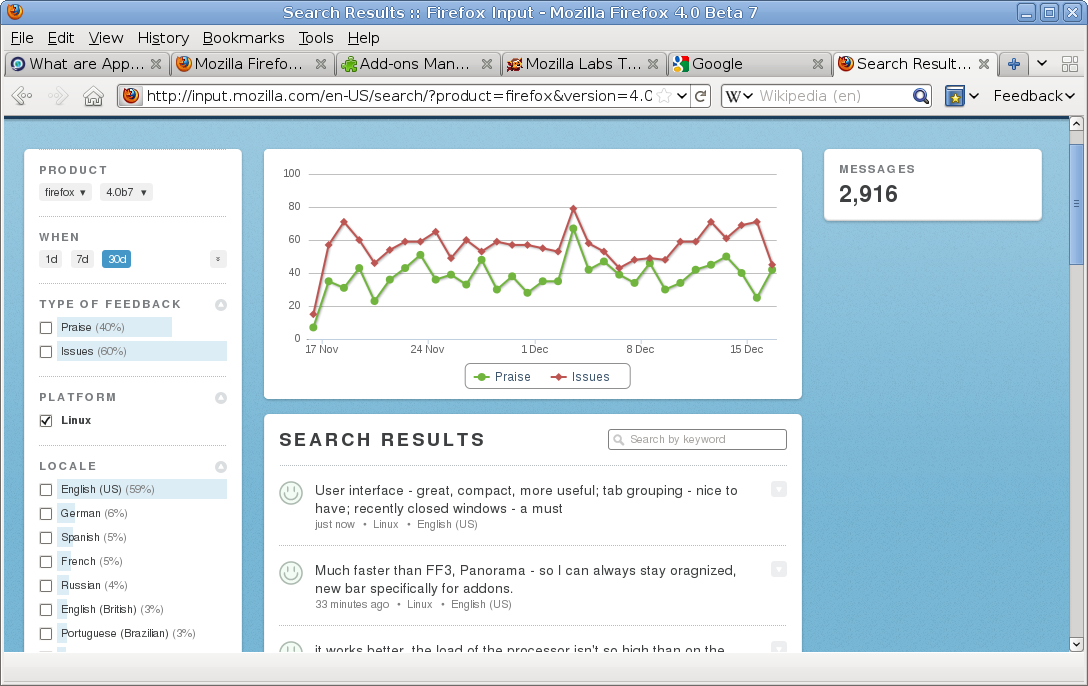
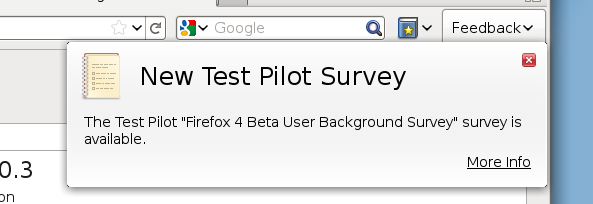
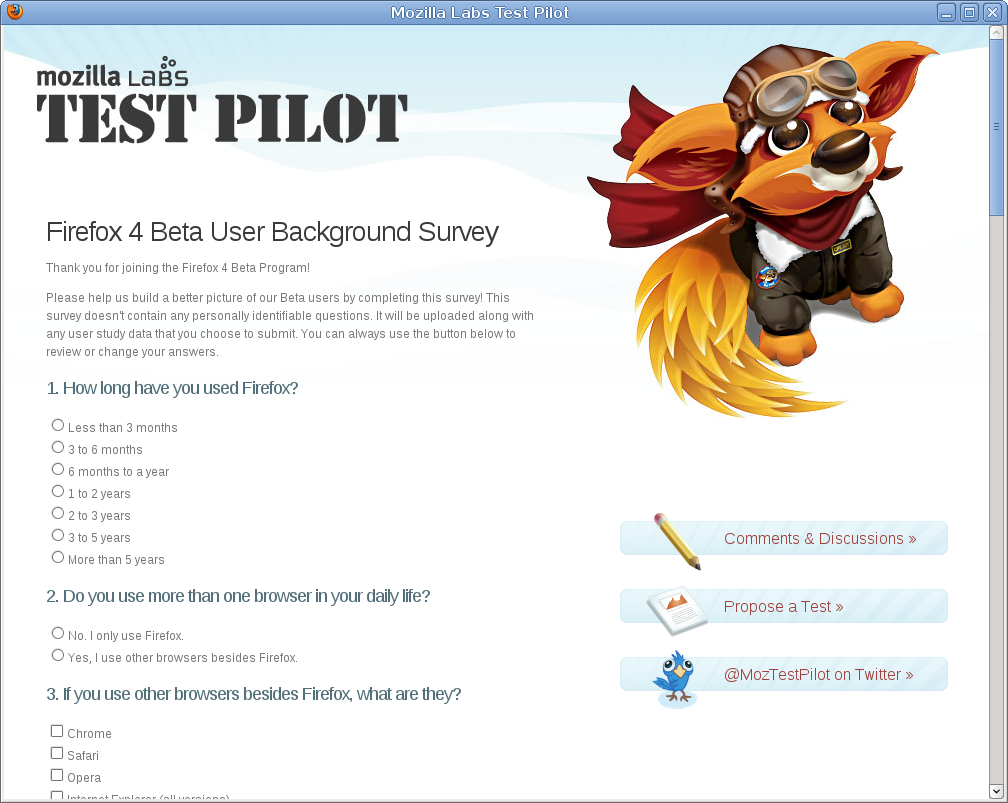
Firefox now comes by default with a feedback plugin which allows the user to submit their own opinion regarding what they liked or disliked. User studies are also available, and Firefox encourages you to answer a few questions to improve it.
Another new feature introduced is Firefox Sync, which allows you to synchronize bookmarks, history, tabs and password between any other Firefox installation.

Test pilot survey
Stop/reload button moved to the right of the awesome bar

Firefox surely looks very promising. The new interface approach, although not new or revolutionary compared to the one of Chrome or Opera is really a good change. Same goes for the tab grouping, the friendly approach of introducing by default a feedback form or user studies in order to improve even more until the final release.
 noname says:
 I’m pretty sure that TestPilot is only a beta feature and will be removed from the final version. At least that is how it’s been in the past.

I believe you’re right, they’re just using it to gather statistics and improve it until the final release.
 Mark says:
 Beta 8 will be released next week and will finally give linux users the option of having the Firefox button
By default, the menu bar will be shown, but a simple right click > uncheck menu bar will put the firefox button in the tab bar and (obviously) hide the menubar.
