





According to a development update posted on Ubuntu Fridge by the Ubuntu developer Daniel Holbach, Ubuntu 12.04 is on its way to release the first beta next week, on February 29, after the user interface freeze which occured today. “Today User Interface Freeze and Beta Freeze will kick in, next week we will do a test rebuild of the whole archive and Beta 1 will get out next week as well.”
Ubuntu 12.04 Precise Pangolin is a LTS (long-term support) release and it will ship with Linux kernel 3.2 by default, GNOME 3.2, Unity 5.4.0, LibreOffice 3.5. According to Ubuntu Kernel Release Manager, Leann Ogasawara, as soon as new stable versions of the 3.2 kernel branch will be released, they will be included in Ubuntu. “With Ubuntu 12.04 being an LTS release, our primary focus has been on stability. As such, we chose to ship with a v3.2 based kernel and will continue to rebase to the latest v3.2.y stable kernels as they become available.”
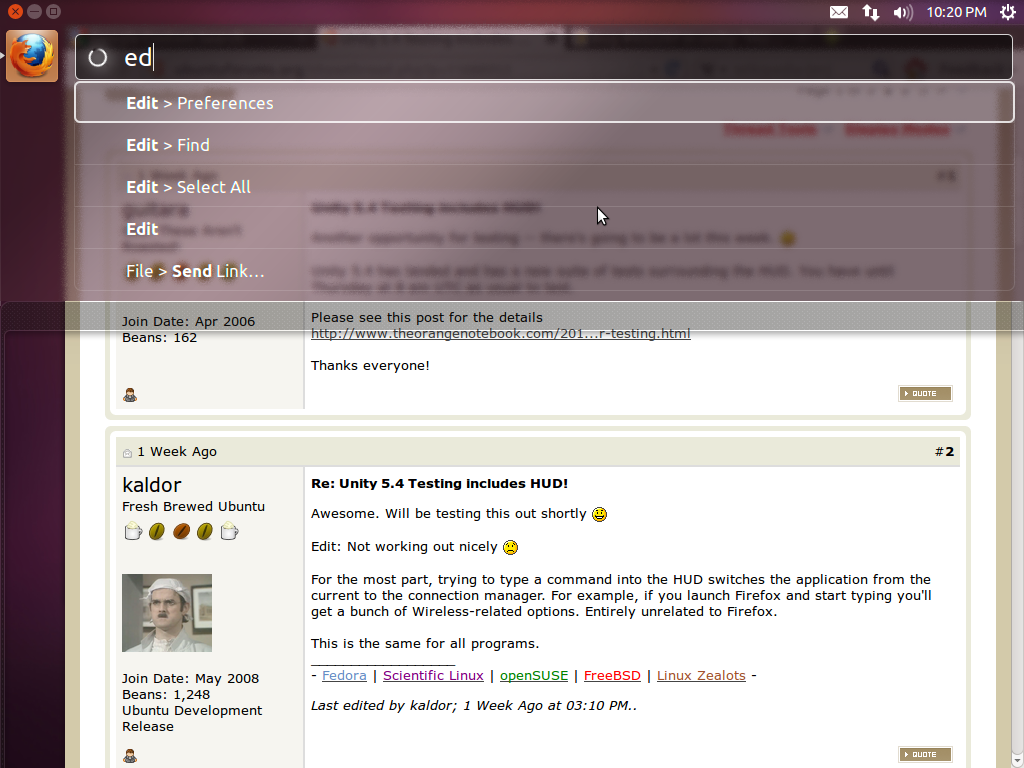
A new Unity version, 5.4.0 will also ship in, introducing the so-called HUD (Heads-Up Display), well-known from shooter games. To invoke the HUD press the Alt key.
Unity 5.4.0 features the new HUD:
In KDE applications:
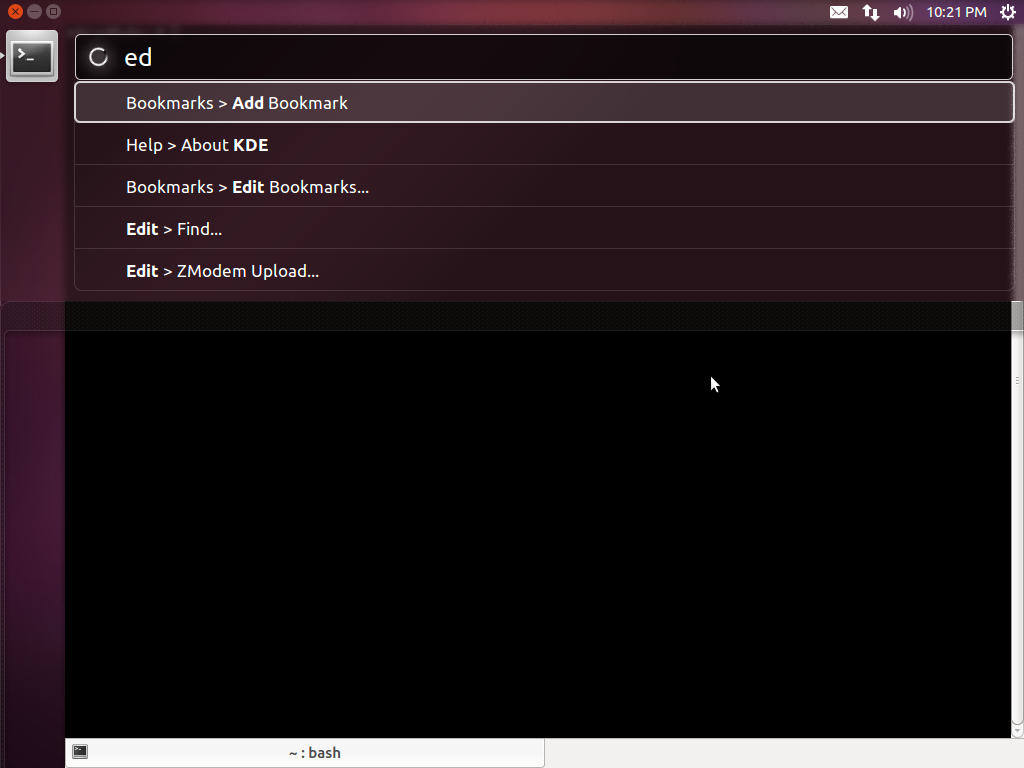
The user can use the HUD to explore bookmarks and history in Firefox, search in application’s nested menus, and launch various applications. The real utility of the HUD is probably the possibility to explore menu options in a fast manner by using the keyboard only. Integration seems pretty nice, this definitely being an important addition to Unity. The video below is descriptive enough.
It looks like there are some opened bugs on HUD right now, like searching the wrong application or having to click the search field when invoking HUD, but these should be fixed by the time 12.04 gets out.
A video showing the features of HUD is available for some time now on YouTube:
According to this announcement, RC6 will be enabled by default on systems with the Sandy Bridge architecture used by Intel. RC6 is a technology which allows the system to enter in power-saving mode when the GPU is idle.
Other new stuff include a new sound theme and a new version of Transmission, 2.5, which is the default BitTorrent client in Ubuntu.
12.04 will also the first Ubuntu release to be supported five years on both desktop and server, contrary to the previous LTS releases which were supported three years on the desktop and five years on the server.
